Comparisons
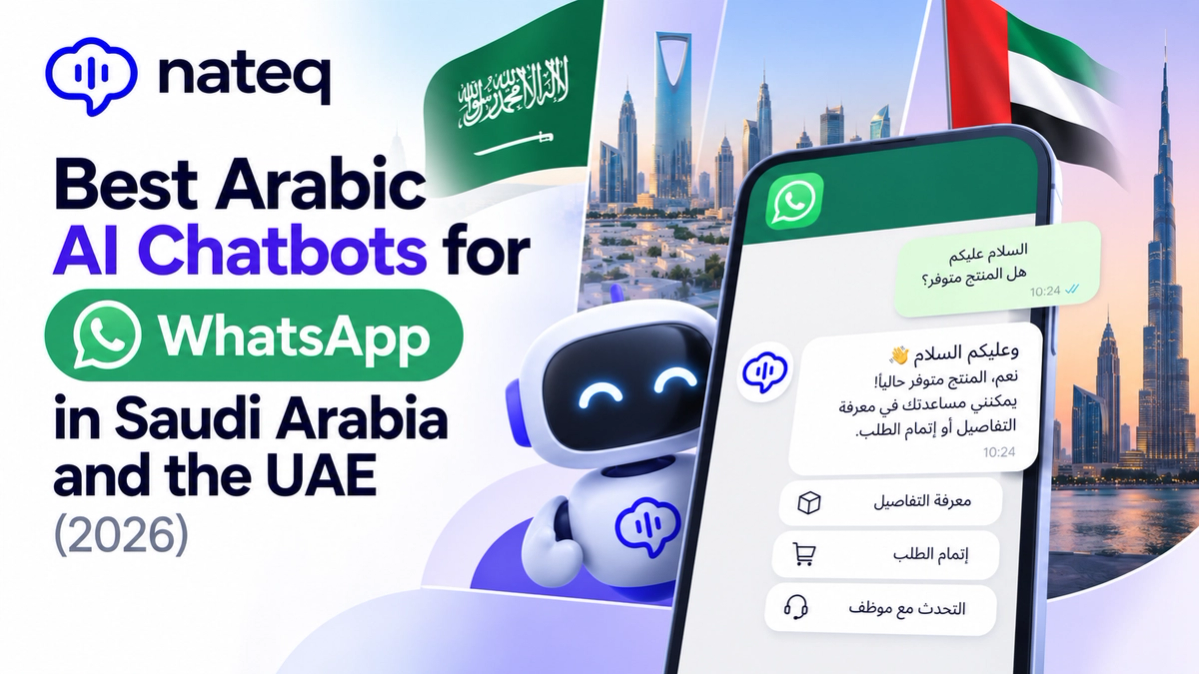
Best Arabic AI Chatbots for WhatsApp in Saudi Arabia and the UAE (2026)
Eight Arabic AI chatbots for WhatsApp compared for Saudi and UAE businesses: dialects, human handoff, voice, pricing and who each one suits.
8 min readAds send WhatsApp messages, Instagram DMs and form fills faster than a sales team can answer. Nateq's AI agent replies to every one in Gulf Arabic or English, asks your qualifying questions, and sends only the serious leads to a salesperson, with the answers already in the CRM.
Nateq is an AI customer service platform for agencies and lead-driven sales teams. It answers every lead from WhatsApp, Instagram, Facebook, website chat and email in one inbox. The AI agent replies in Arabic dialects and English, asks the qualifying questions your team sets, tags each conversation, closes low-intent leads politely, and routes qualified ones to salespeople, with contact and deal details shown from HubSpot or Salesforce.
Last updated:
Click-to-WhatsApp ads, Instagram DMs, Facebook messages, website chat and email arrive in one queue, so no lead sits unread on someone's phone.
Budget, timing, location, what they need: the agent asks the questions you set, in the customer's dialect, before anyone on your team spends time.
Each conversation carries the tags the agent adds, and routing rules act on channel, language, keywords and priority, so the same labels drive both handoff and reports.
Routing rules hand qualified leads to the right salesperson or team, with the full conversation and a summary.
Send WhatsApp broadcasts and scheduled follow-ups with your approved templates to leads who went quiet.
Statistics break volume and response time down by channel and team, and you can export the data as CSV or a PDF report.
By the rules you give it. You write the questions and what a qualified answer looks like. The agent asks, tags the conversation, and routing sends qualified leads to sales. The rest get answers from your content and a polite close. Nothing is deleted: every lead stays in the inbox and the CRM, so you can review what was filtered out.
Write the qualifying questions to ask for specifics, such as a budget range or a move-in month, and write down the answers that count as qualified. Vague answers do not qualify, so they stay with the agent and the lead is not sent to sales.
A click-to-WhatsApp ad opens a normal WhatsApp conversation on your connected number. The ad's referral details arrive with that first message, so the lead is not an anonymous number. The agent replies straight away, because the reply is part of the conversation rather than a separate form to process.
Instagram direct messages, story replies and Facebook Page messages follow the same path, into the same queue and under the same rules.
Both connect natively. Nateq reads the contact and deal for a conversation, so the salesperson sees the record beside the chat, and writes support activity back to the record. Other CRMs connect through the REST API and webhooks.
Each client is best set up as its own Nateq workspace, with its own numbers, content and settings. You move between workspaces with the workspace switcher in the sidebar, so a client's leads are never mixed with another's inbox.
A prospect taps a property ad at one in the morning. The agent asks the rooms, timing and area questions, and the salesperson gets a qualified lead when the office opens.
The answers show no budget and no timing. The agent closes the conversation politely, keeps the record, and the lead stays visible in the inbox for a later follow-up.
The lead is routed to the right salesperson with the transcript and the summary, and the contact and deal from the CRM sit beside the conversation.
A scheduled follow-up goes out on WhatsApp with an approved template, to the leads on a list you pick. Replies come back into their conversations.
The team switches between client workspaces, and each one answers with that client's numbers, questions, content and templates.
An illustrative conversation written to show how it works, not a real customer's.
All live in the Nateq integrations directory today. Anything else connects through the REST API and webhooks.
The common setup: leads land in a shared mailbox or a phone, get copied into a spreadsheet, and are passed to sales by hand.
| What matters | Nateq | A shared mailbox and a spreadsheet |
|---|---|---|
| Response time | The agent replies to every lead as it arrives, at any hour. | Replies wait for someone to read the mailbox. |
| Qualification | The same questions, asked in order, with the answers tagged on the conversation. | Each salesperson asks their own questions, and the answers vary. |
| Handoff to sales | Routing rules send the lead with the full conversation and a summary. | Someone forwards the email, and the salesperson asks the lead to repeat the details. |
| CRM record | HubSpot and Salesforce show the contact and deal beside the chat. | Copied into the CRM later, or not at all. |
| Follow-up | Scheduled broadcasts with approved templates, and replies return to the same thread. | Reminders in a calendar app, and messages typed one at a time. |
| Reporting | Volume and response time by channel and team, exportable as CSV or PDF. | A spreadsheet someone updates when they remember. |
WhatsApp numbers used in ads, Instagram, Facebook and your website chat.
The questions, the answers that qualify, and what the agent says to everyone else.
Connect HubSpot or Salesforce, then route qualified leads to sales. Slack can carry alerts if your team uses it.
Yes. Those leads arrive as normal WhatsApp conversations on your connected number, with the ad's referral details on the first message. The agent replies straight away, asks your qualifying questions, and tags the conversation for routing. Point the ad at the WhatsApp number you connected to Nateq.
HubSpot and Salesforce connect natively: Nateq reads the contact and deal for a conversation and writes support activity back. Other CRMs connect through the REST API and webhooks. Connect them from the integrations page, and the contact and deal panel appears beside the conversation.
No. Nateq handles the conversations that ads start, after the click. It does not buy media, build audiences or manage ad accounts, so keep your campaigns in the ad platform and point their WhatsApp numbers at Nateq. The conversations the ads start are the part Nateq handles, from the first message onward.
There is an invite-only referral pilot. You share a referral link or promo code, and when a business you referred subscribes you earn a share of what it pays in its first year. You do not set up or manage Nateq for clients, and you never get access to a customer's workspace or data.
Yes. It replies in the dialect each lead writes in, Egyptian, Gulf or any other, including Franco-Arabic written in Latin letters, and it asks your qualifying questions in that same register. A lead from Cairo and a lead from Riyadh each get a conversation that sounds local, and a qualified lead reaches your sales team with the whole conversation attached.
The agent ends the conversation politely, and nothing is deleted. The lead stays in the inbox with its tags, so a person can review what was filtered out and decide whether to follow up. The answers that were given stay on the record, so you can see what was said.
Yes. A request for a person hands the conversation over at once, with the history. You can also set keywords or topics that always go to a person, such as pricing for a specific project. The hand-over is immediate, and the person who takes it sees the full history before replying.
Eight Arabic AI chatbots for WhatsApp compared for Saudi and UAE businesses: dialects, human handoff, voice, pricing and who each one suits.
8 min read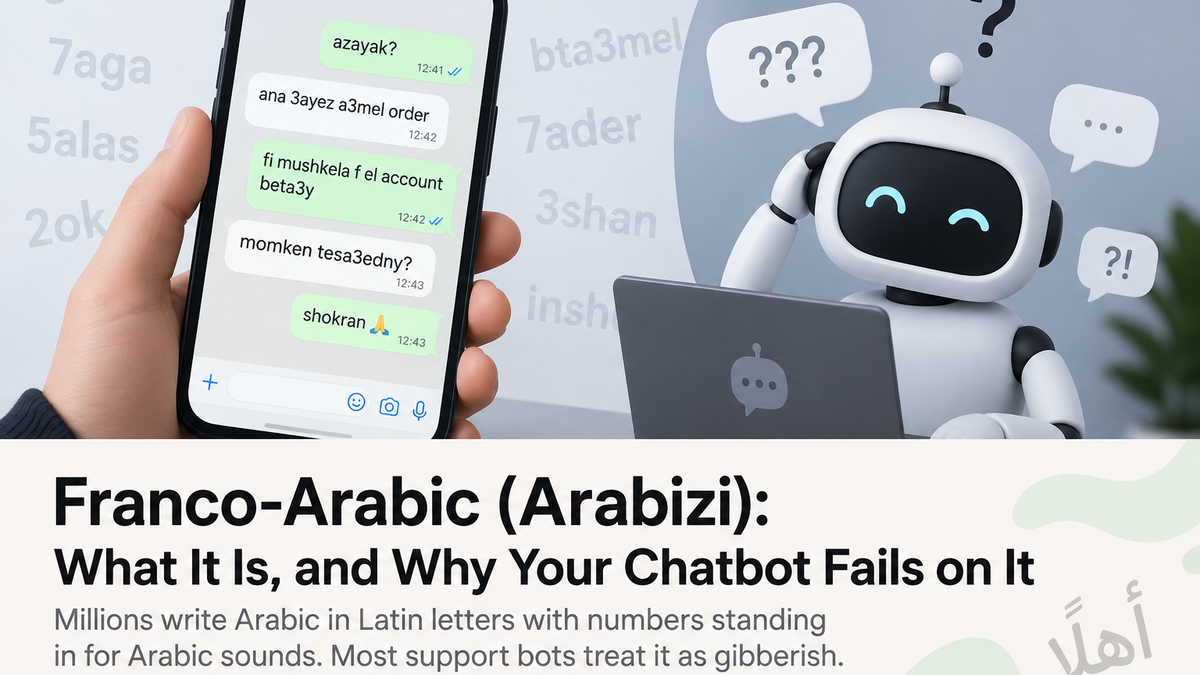
Millions write Arabic in Latin letters with numbers standing in for Arabic sounds. Most support bots treat it as gibberish. Here is how it works and how to handle it.
4 min read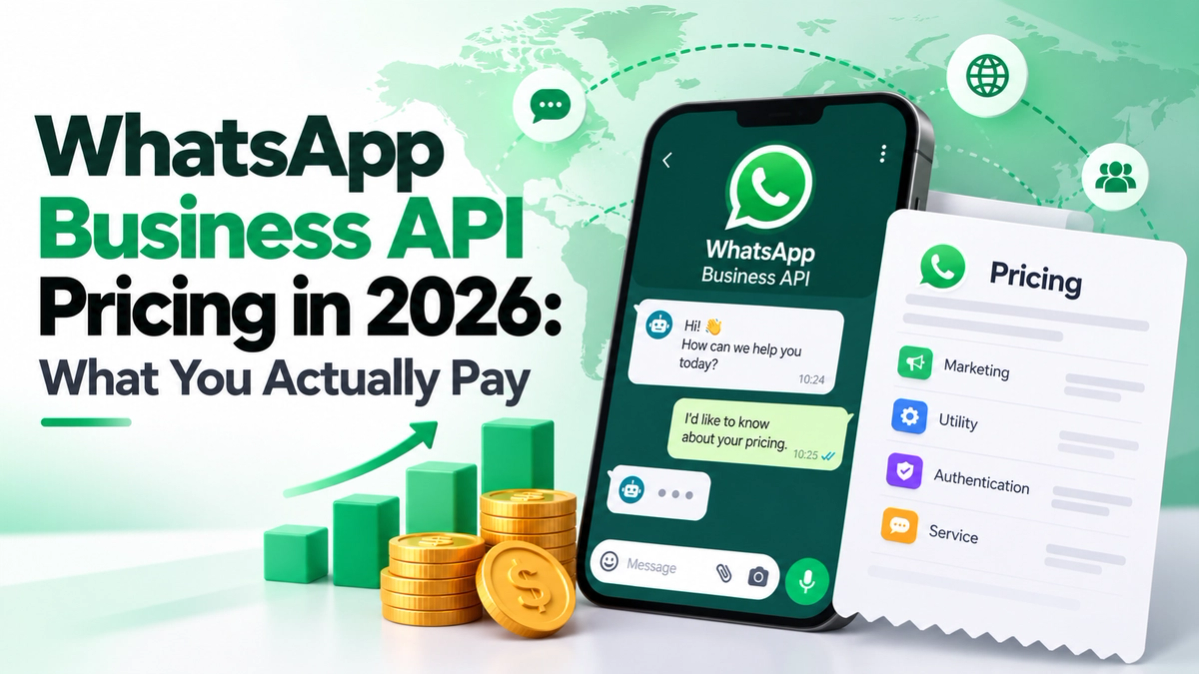
Meta charges per WhatsApp message, and from 1 October 2026 for replies to customers too. Rates for every Gulf market, and what stays free.
10 min readBring every conversation into one intelligent platform. Try it free for 14 days — no card required.