Research
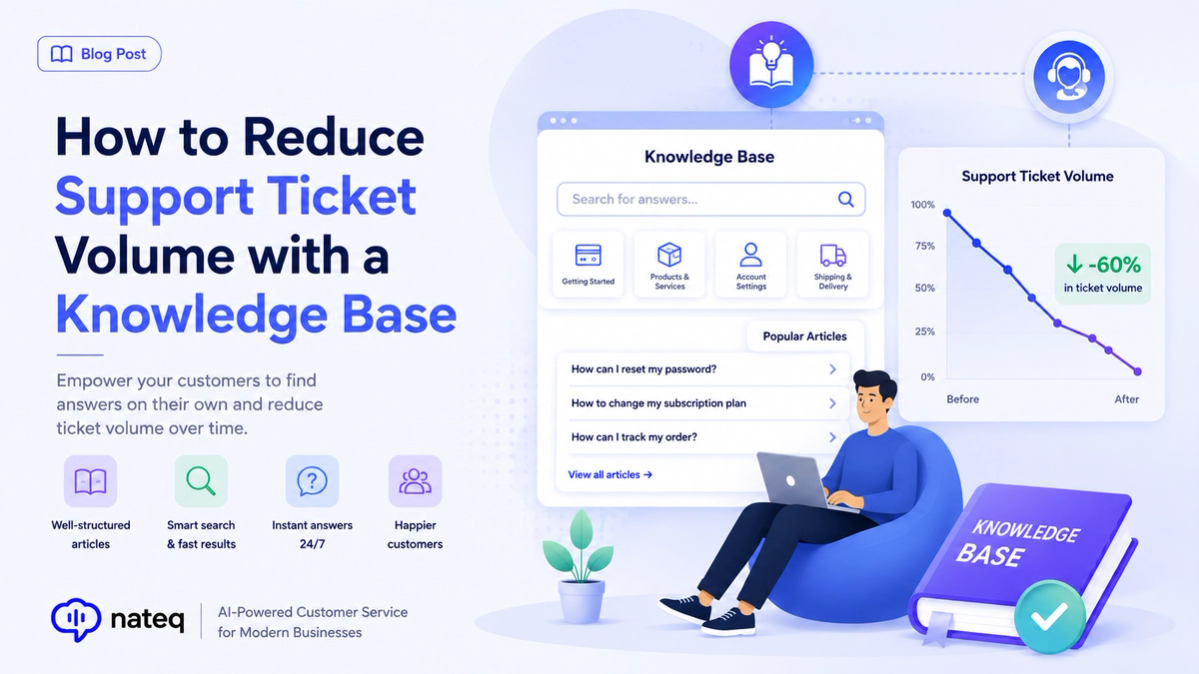
How to Reduce Support Ticket Volume with a Knowledge Base
A great knowledge base deflects repetitive tickets and helps customers help themselves. Here’s how to build one that actually lowers ticket volume.
2 min readThe help center search matches the words customers type. The AI agent goes further: it matches questions by meaning across Arabic and English, shows the article behind each answer, and hands off to your team when no source answers well.
Unworn items can be returned within 30 days. Start a return from your order page or ask us on WhatsApp — the courier collects it for free.
Nateq's knowledge base search has two parts. The public help center search matches the words in article titles, descriptions and bodies, and ranks title matches first. The AI agent searches the same knowledge base by meaning, so an Arabic question can reach an English article, and it rates each match as confident, partial or missing.
Last updated:
The agent searches its knowledge base by meaning, so a customer can describe a problem in their own words instead of guessing a title.
An Arabic question can reach an English article. When the first pass finds no good match, the agent retries in English.
The public search looks in titles, descriptions and article bodies, and lists title matches first.
Each match is confident, partial or none. A partial match comes with a teammate offer, and a missing one is recorded as a gap.
In the chat widget, a reply that draws on an article can show that article as a citation card.
Unanswered questions are grouped across languages, so each gap is written once and closed once.
The search box on the help center needs at least two characters. It looks for those characters in article titles, short descriptions and the full answer text, and returns up to ten articles. Title matches come first, then the most viewed articles. Matching collections, found by name or description, are returned alongside the articles.
The public search is a word match, not a meaning match. A customer finds an article when the words they type appear in it. A title such as “Refund policy” will not match a question that never uses those words, so write titles and opening sentences with the words customers use, including the Arabic and English terms for the same thing when your business uses both.
When a language is selected, results are limited to articles in that language. Without a language, the search can use the dedicated search index instead of the database, where that index is turned on. Either way, each result carries the article title, its collection and its reading time.
In chat and in the chat widget, the agent turns the question into an embedding, a numeric representation of its meaning, and searches the knowledge base for passages with a similar meaning. The same index holds your published help articles, Q&A pairs, documents, pasted text and web pages. The customer does not need to know which source holds the answer.
Each result falls into one of three zones. A confident match means the agent answers directly. A partial match means it gives its best answer and offers a teammate for the exact details. No good match means it says it does not have the specifics, offers a teammate, and the question is recorded as a gap.
For Arabic and other languages, the agent retries the search in English when the first pass finds no good match, so an Arabic question can reach an English article. The thresholds are the same as in a live conversation, which is why the test panel described below gives an accurate preview.
Yes. Open Ask your knowledge base from the Knowledge base page, type a question in Arabic or English, and choose the agent it should search as. The panel runs the same retrieval a live conversation uses, and shows the zone of the match along with the passages it found, labelled by their source.
Use it before you publish a new policy. If a question returns a partial match, add the missing detail to an article or a Q&A pair, then test again. If it returns no good match, the question is an open gap, and the panel says so, because the same question will show up under the unanswered questions until someone answers it.
The clearest view of demand is the Questions you can't answer yet card on the Knowledge base page. It groups questions from live conversations that the knowledge base could not answer. Similar questions, including the same question asked in different languages, sit in one cluster, and the most asked cluster is at the top.
Open a cluster to see each phrasing customers used, along with any reply a teammate already gave. A cluster closes on its own once the knowledge base answers it. The card lists open clusters from the last 30 days, the same window the page reports on.
Title each article as the question a customer asks, in the customer's words. Put the direct answer in the first paragraph, so a reader sees it without scrolling. Keep one topic per article. A long article that covers refunds, exchanges and shipping matches many questions weakly, while a focused article matches one question clearly.
Write a short description that names the product or service, since it appears under the title in results. If customers search in both languages, write the article in both, as a translated pair inside its collection, and test one question in each language before you publish.
A customer types a refund question into the help center search. The article titled with that question comes first, and the customer reads the answer without contacting the team.
A visitor asks about exchanges in Gulf Arabic. The agent finds the English returns article, answers in the visitor's register, and shows the article as its source.
Before a new delivery policy goes live, an operator asks the test panel three questions. One returns a partial match, so the operator adds the missing cutoff time.
The gaps card shows one question asked in English and in Egyptian Arabic. The lead writes one Q&A pair, and the cluster closes.
A customer asks about a service the business does not offer. The agent says it lacks the details, offers a teammate, and the question appears in the gaps list.
An illustrative example, not a real customer conversation.
A bot that answers from a fixed script or a general model does not know your articles.
| Capability | Nateq | Typical standalone chatbot |
|---|---|---|
| Where answers come from | Your articles, Q&A pairs, documents and web pages | A fixed script or a general model |
| Arabic and English questions | Matched by meaning, with an English retry | Often one language per flow |
| Preview before go-live | Ask your knowledge base shows the match zone and the passages | Tested by chatting with the bot |
| When there is no good answer | Says so, offers a teammate, and records a gap | Often a generic apology |
| Source shown to the customer | A citation card for the article behind a reply | Usually none |
A visitor types a question in the help center or the chat widget, in Arabic or English, in their own words.
The agent answers directly, answers with a caveat and offers a teammate, or says it does not have the answer.
Open the questions card, write the missing answer or fact, and the gap closes once the knowledge base answers it.
Both, in different places. The help center search matches the words in article titles, descriptions and bodies. The AI agent in chat searches the same knowledge base by meaning, so a question does not need to use the article's exact words. Use the help center search for browsing and the agent for questions.
Yes, with a difference between the two. The help center search matches the characters a reader types, so write titles with the spelling customers use. The AI agent handles Arabic questions by meaning, and when the first search finds no good match, it retries in English, so an Arabic question can reach an English article.
Yes. The help center search reads the description and the full answer as well as the title, and title matches rank first. The chat agent does not need a title at all. It searches passages by meaning, so a customer can describe the problem in their own words and still get the right passage.
Open Ask your knowledge base on the Knowledge base page. Type the question, choose the agent to search as, and read the result. The panel shows whether the match is confident, partial or missing, along with the passages it used, so you can fix a source before customers see the answer.
The agent has relevant information, but not a complete answer. It gives its best answer and offers a teammate for the exact details. Add the missing detail to an article or a Q&A pair, then test the question again. A partial match usually points to one sentence that is missing from a source.
On the Knowledge base page, in the card called Questions you can't answer yet. It groups similar questions across languages, shows the phrasings customers used, and suggests a fix, either a Q&A pair or a fact in the business profile. A cluster closes once the knowledge base answers it.
Yes. When a language is selected in the help center, the search returns only articles and collections in that language. Translated collections and articles stay linked to their originals, so the same topic exists in each language, and a reader can find it in the one they prefer.
A great knowledge base deflects repetitive tickets and helps customers help themselves. Here’s how to build one that actually lowers ticket volume.
2 min read
AI customer service uses artificial intelligence to answer questions, route tickets, and support agents. Here is how it works and why it matters.
2 min readBring every conversation into one intelligent platform. Try it free for 14 days — no card required.