Product
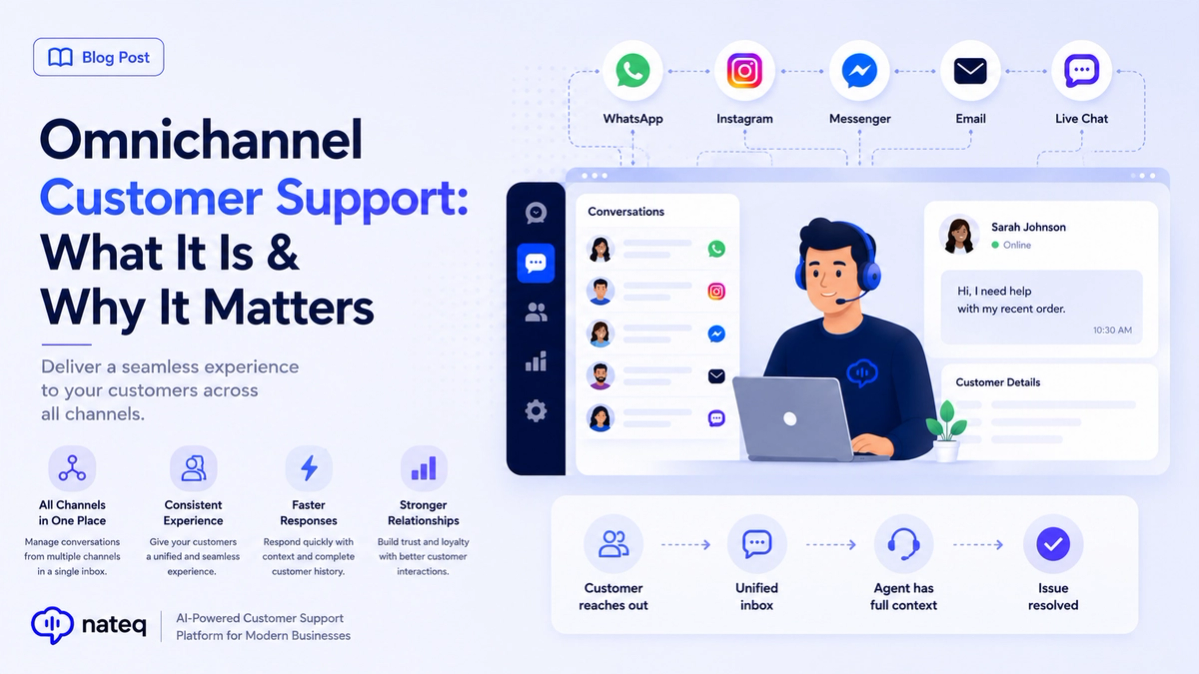
Omnichannel Customer Support: What It Is & Why It Matters
Omnichannel customer support unifies every channel into one connected experience. Learn what it means, how it differs from multichannel, and how to deliver it.
2 min readTurn a crowded inbox into organized, threaded conversations. Nateq categorizes incoming email, drafts replies with AI, and keeps your whole team aligned on who's handling what.
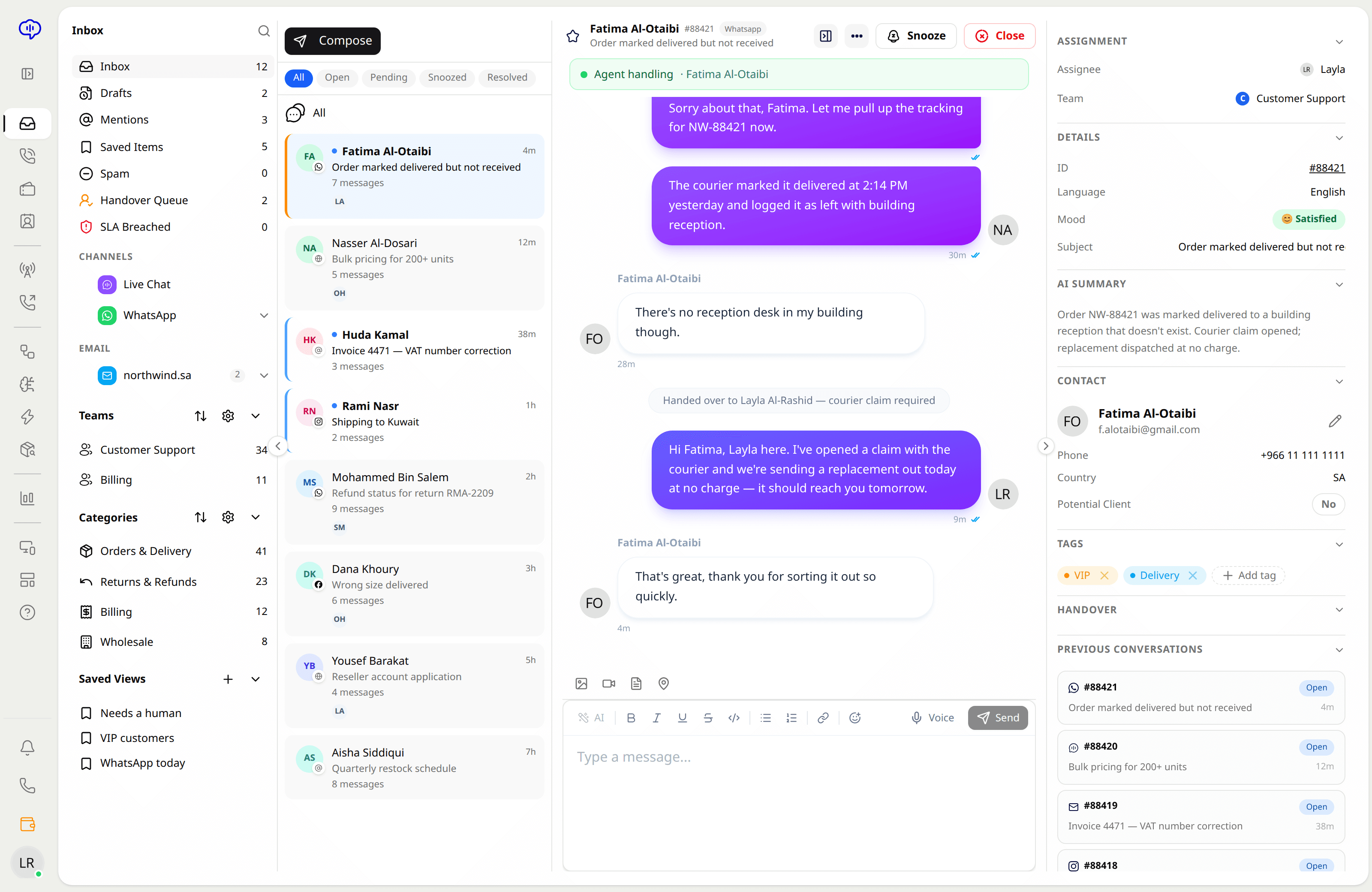
Messages are grouped into clear threads so agents follow the whole conversation at a glance.
Nateq drafts a reply from your knowledge base and past answers, ready for an agent to review and send.
Incoming email is tagged and sorted by topic automatically, so the right team sees it first.
Save your best answers as templates with dynamic variables to reply consistently in seconds.
Route email to the right agent or team and see who owns each conversation to avoid double replies.
Email lives beside chat, calls, WhatsApp, Facebook, and Instagram, so context follows the customer everywhere.
Forward or connect your support address so every email flows into Nateq.
Nateq categorizes each message and prepares a draft reply for your agents.
Agents adjust the draft if needed and send — consistent, on-brand, and fast.
Yes. Connect or forward your existing support address and every email flows into your unified Nateq inbox.
Nateq drafts replies from your knowledge base and previous answers. An agent reviews and sends, keeping a human in control.
Yes. Assignment and ownership are visible on every conversation, so agents don't collide on the same thread.
Yes. Save answers as templates with dynamic variables to respond consistently in seconds.
Omnichannel customer support unifies every channel into one connected experience. Learn what it means, how it differs from multichannel, and how to deliver it.
2 min read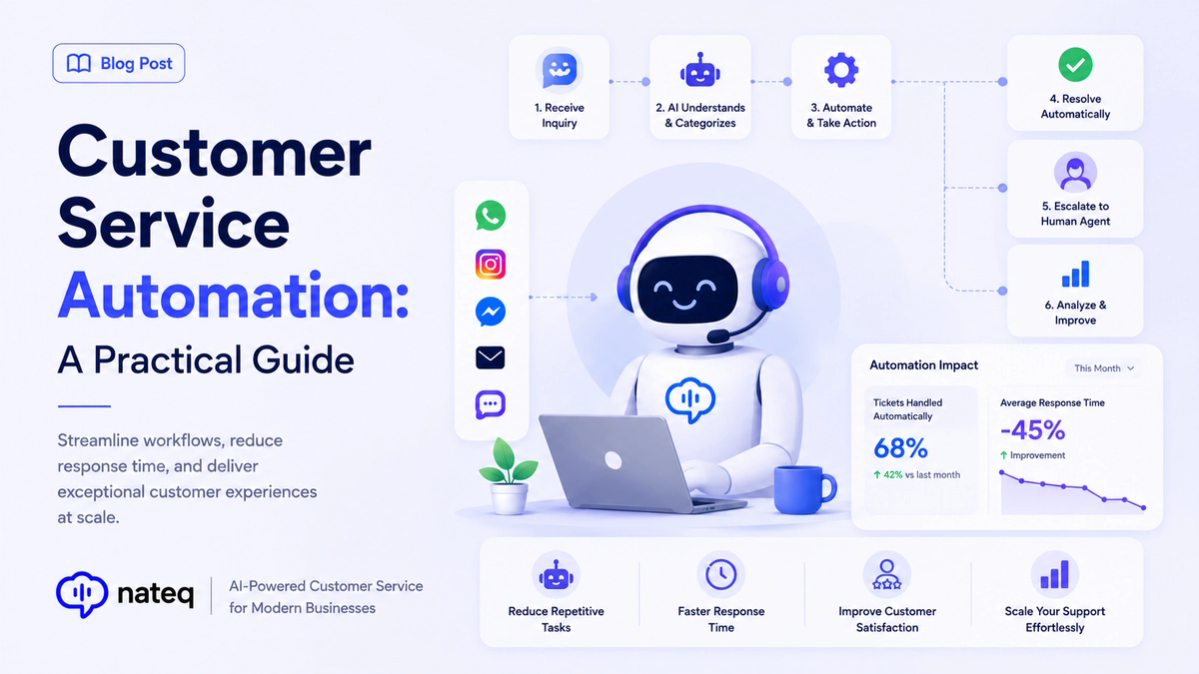
Customer service automation handles repetitive work so agents focus on people. Learn what to automate, what to keep human, and how to start.
2 min readBring every conversation into one intelligent platform. Try it free for 14 days, no card required.