Product
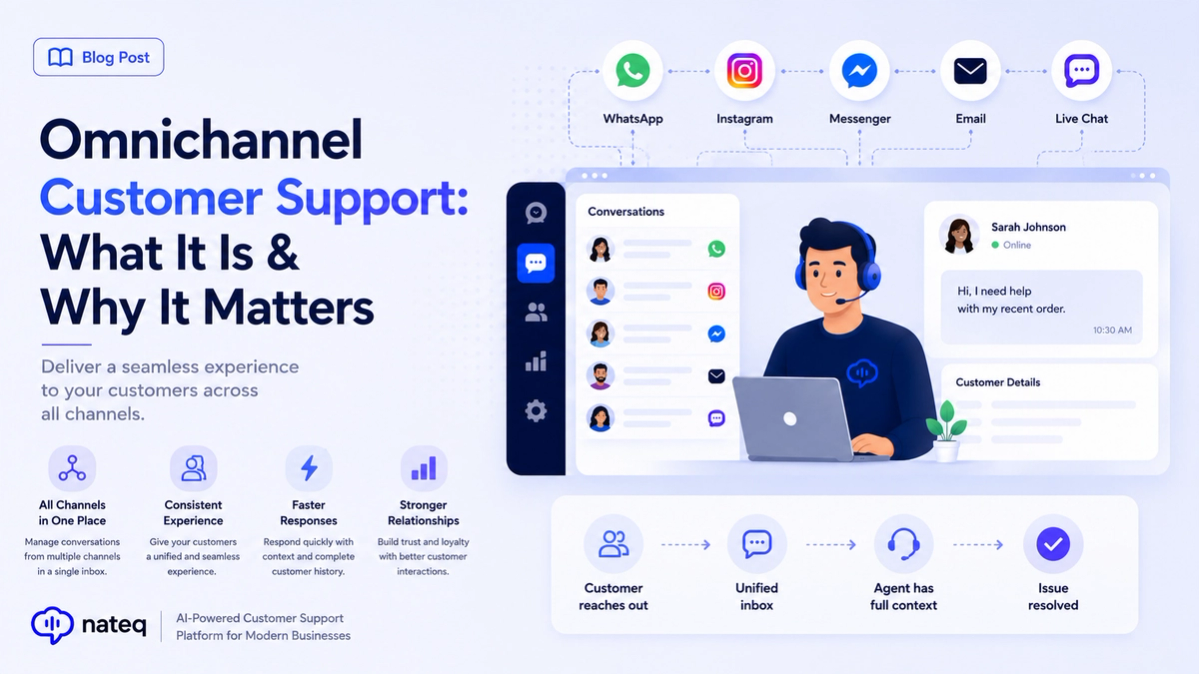
Omnichannel Customer Support: What It Is & Why It Matters
Omnichannel customer support unifies every channel into one connected experience. Learn what it means, how it differs from multichannel, and how to deliver it.
2 min readCalls land in the same inbox as your chats, emails and tickets. Agents take them in the browser, recordings and transcripts are kept per number, and an AI summary is ready when the call ends. A caller nobody can take gets a callback, a voicemail or a ticket instead of a dead line.
Nateq's call center software takes voice and video calls in the same inbox as chat, email and WhatsApp. When recording is on for a number, each call is recorded and transcribed, and a summary of three to five bullets is written when it ends. If no agent can take a call, the route falls back to a callback, a voicemail, a forward or a ticket.
Last updated:
Agents take voice and video calls in the browser, next to the chats, emails and tickets for the same customer.
Turn recording on for a number and every call on it is recorded and transcribed. Each recorded call opens with a notice that it may be recorded.
Each finished call gets three to five bullets covering why the caller rang, what was done, and how the call ended.
The ringing screen shows the menu options the caller chose and, for a known caller, their latest conversations and tickets.
A call no one takes can end in a scheduled callback, a voicemail, a forward or a ticket, instead of a line that drops.
Rent a number from Nateq, connect your own through a SIP trunk, or forward an existing line into the queue.
Every call comes in on a number attached to your workspace. You can rent a number from Nateq, connect a number you already own over a SIP trunk, or forward an existing line so that calls reach Nateq and then your team. Customers can also call your WhatsApp Business number, which is covered on the WhatsApp page.
A route is built from the same steps as an automated flow. It can play a greeting, present a menu that collects digits or listens for the caller's answer, branch on business hours, and transfer the call to a queue or an agent. When an agent's phone rings, the ringing screen lists the menu choices the caller made, so the agent knows why the call came in before they pick up.
A call that no agent answers does not simply end. Depending on the route, the outcome can be a scheduled callback, a voicemail, a forward to another number, a ticket, or a hang-up. The AI can settle a call nobody took by scheduling a callback or opening a ticket, and the call record shows which outcome was used.
Scheduled callbacks appear on the Callbacks page, where they can be moved to another time or acted on. On WhatsApp, a caller who hangs up while waiting for a person can receive a message offering a callback. That message is off until you turn it on. Outside the 24-hour customer window it is sent as an approved template, and if the caller taps the button, the callback is booked where they were waiting.
Recording is off until you turn it on for a number. Once it is on, the call is recorded and transcribed, and the recording opens with a notice that the call may be recorded. Recordings are kept for 7 days on the Basic plan and 90 days on Team and above. You can set a shorter period for each number, so a line that takes sensitive calls can keep less than the rest of the workspace.
On plans that include live call monitoring, a supervisor can open the live calls board, listen to a call without the caller or agent hearing them, or whisper guidance to the agent during the call. Plans without it are shown a notice that live monitoring is not included.
Each call has a details view with three tabs that matter most: Summary, Transcript and Details. The summary is three to five bullets, each under 20 words, covering why the caller rang, what was done, and how the call ended, written in the language of the call. It is generated only when the transcript has at least two lines, so a call that never connected has no summary.
AI Voice answers in a voice you choose for the dialect your callers speak. The voice catalogue covers Modern Standard Arabic, Gulf, Levantine, Maghrebi and Egyptian Arabic, and English. The AI runs the same route as a menu, and it can transfer the call to a person when it cannot resolve the request. The transcript so far travels with the transfer, so the agent starts from what the caller already said.
The business-hours branch sends the call to the AI. The caller explains the problem, and the AI books a callback for the next working morning. The callback waits on the Callbacks page for the team to take.
A customer says they were promised something on the phone. The team opens the recorded call, reads the transcript, and checks the summary for the outcome that was recorded.
A supervisor opens the live calls board and listens in on the new agent's calls. On a plan that allows whispering, they can give a short prompt during a call without the customer hearing it.
A customer who has written in before calls again. The ringing screen shows their recent conversations and tickets, so the agent can pick up the thread without asking for the reference again.
Illustrative. The exchange is a sample, not a recording of a customer.
| Question | Nateq | Phone line with a call log |
|---|---|---|
| Missed calls | A missed or unanswered call gets a callback, a voicemail, a forward or a ticket, depending on its route. | Someone checks the voicemail box or the missed-call list and calls back by hand. |
| Call notes | A summary and a transcript are attached to the customer's timeline when the call ends. | Notes depend on whoever took the call and what they wrote down. |
Phone and WhatsApp calls are included for every agent on every plan. AI Voice is optional and paid by the minute from your wallet. What a call travels over is billed by whoever carries it, and it depends on the route.
An AI Voice minute covers speech recognition, the AI and the voice itself. Minutes are paid from your wallet on a graduated rate that gets cheaper as the month's minutes grow, with 3 concurrent AI calls included. The current rates are on the pricing page.
Call recording is included free. Recordings are kept for 7 days on Basic and 90 days on Team and above, and you can set a shorter period for each number. Every recorded call starts with a notice that the call may be recorded.
Attach a number, then build its greeting, menu, business hours and queue from the same steps an automated flow uses.
Turn recording on for the number if you want it, choose its retention, and decide what a caller gets when nobody is available.
Agents answer from the browser. When a call ends, its summary and transcript are on the customer's timeline.
Yes, when recording is on for the number. Recording is off until you turn it on. Once it is on, Nateq records and transcribes each call and writes an AI summary you can review or search later. Every recorded call opens with a notice that it may be recorded.
Yes. Voice and video calls are handled inside the same inbox as your chats, emails and tickets. A video call sits in the same history and notes as any other conversation with that customer, so the next person who helps them sees it.
The route decides. The caller can be offered a callback, sent to a voicemail, forwarded to another number, or given a ticket. The AI can book a callback or open a ticket for a call that no person took, and the record shows which outcome was used.
Yes. The ringing screen shows the menu choices the caller made, then their most recent conversations and tickets when the caller is known to your workspace. The agent starts with that context instead of asking the caller to start again.
Not necessarily. You can rent a number from Nateq, connect a number you own through a SIP trunk, or forward an existing line into Nateq. Forwarding keeps your current number in use for customers while the calls are handled from the inbox.
Yes, when calling is switched on for the number. Calls customers start are not charged by Meta, and only Nateq's per-minute fee applies, plus AI minutes if the AI answers. You set calling hours, quiet hours and an hourly cap for calls you place.
On plans that include live call monitoring, yes. A supervisor can listen to a live call without being heard, or whisper guidance to the agent during it. Plans without monitoring show a notice that it is not included, with no listen or whisper controls.
Omnichannel customer support unifies every channel into one connected experience. Learn what it means, how it differs from multichannel, and how to deliver it.
2 min read
AI customer service uses artificial intelligence to answer questions, route tickets, and support agents. Here is how it works and why it matters.
2 min readBring every conversation into one intelligent platform. Try it free for 14 days — no card required.