Guides
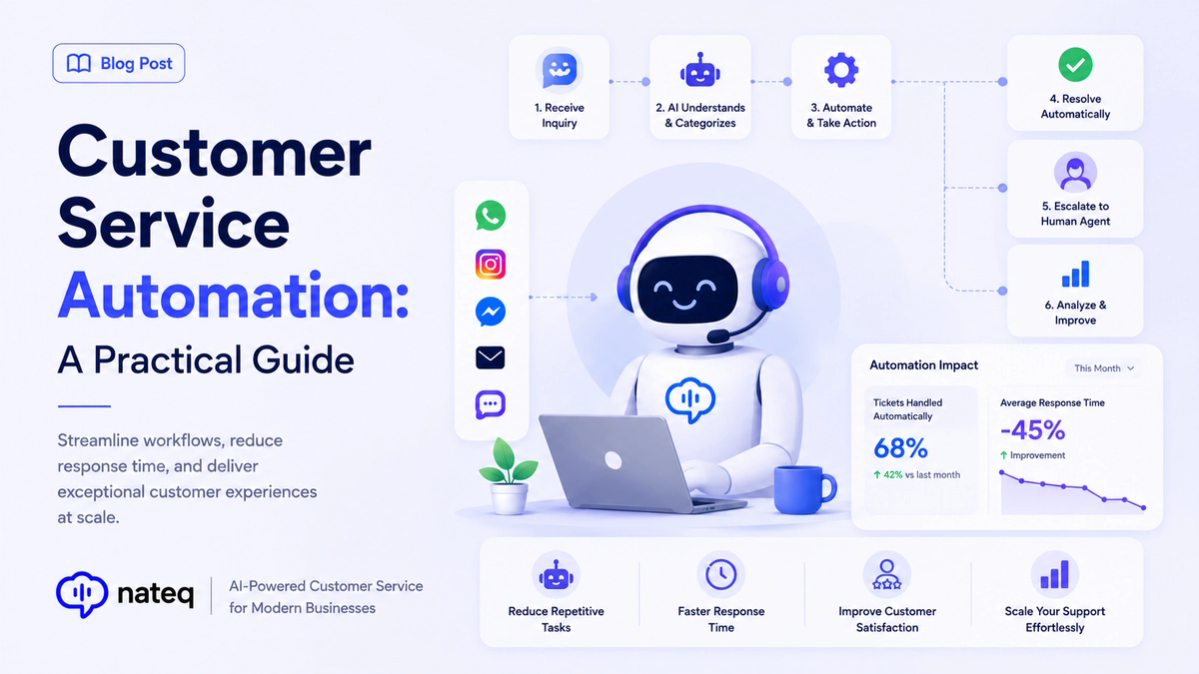
Customer Service Automation: A Practical Guide
Customer service automation handles repetitive work so agents focus on people. Learn what to automate, what to keep human, and how to start.
2 min readBuild rules without code to route tickets, send replies, escalate issues, and trigger workflows on your conditions, so agents spend their time on the conversations that need a human.
Last updated:
Create automations with a visual builder, no code required, to handle tickets exactly how you want.
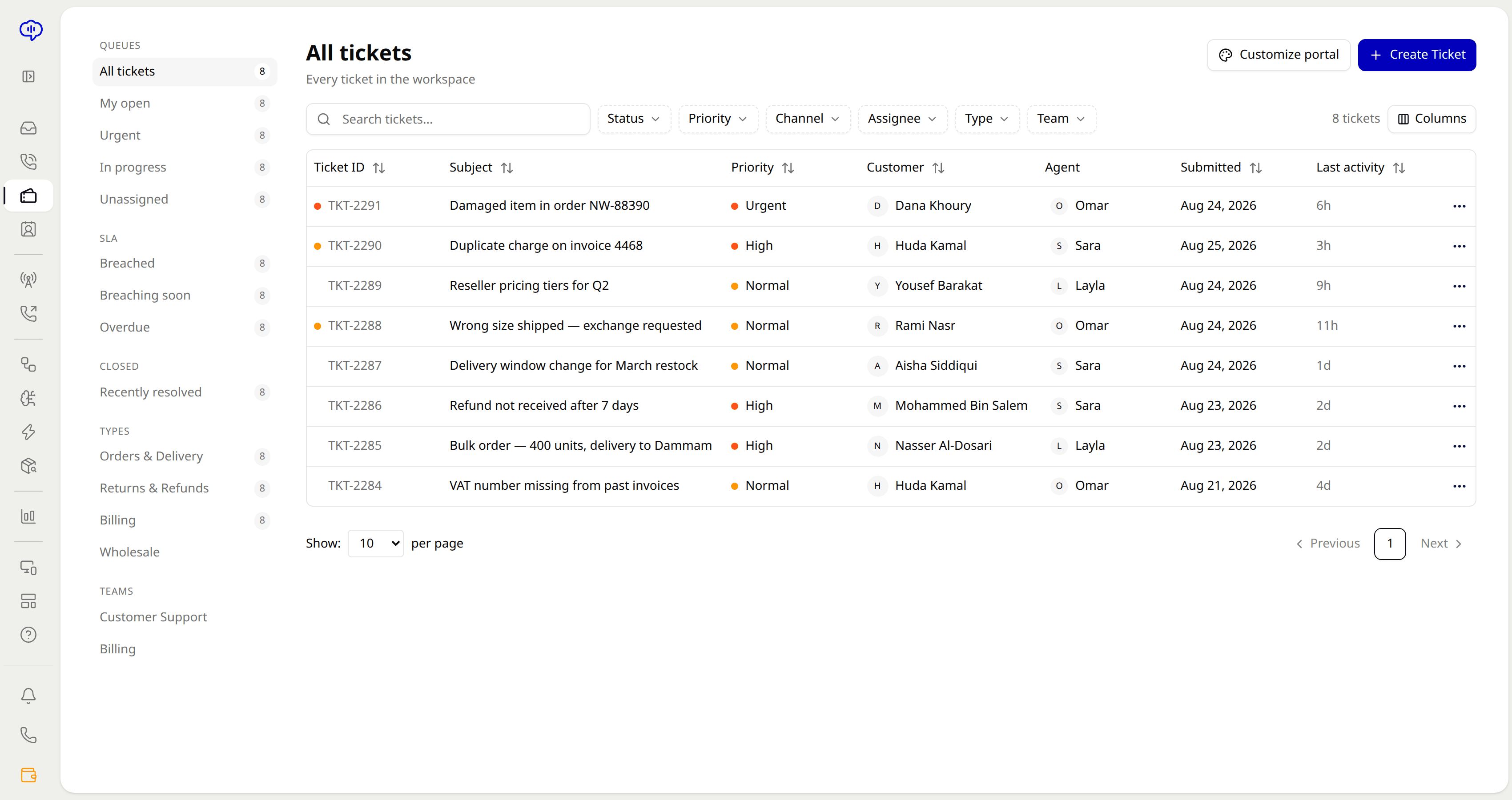
Assign tickets automatically by skill, availability, or load so work is balanced across the team.
Get alerted before an SLA breach and escalate automatically so deadlines are never missed silently.
Reuse approved answers with dynamic variables so common responses go out instantly and consistently.
Rules tag and categorize incoming tickets so they reach the right queue without manual sorting.
Fire follow-up actions and workflows the moment a condition is met, with no one watching the queue.
Choose the event that starts the automation, like a new ticket or a status change.
Add conditions such as priority, channel, or keyword to decide when the rule applies.
Route, reply, tag, escalate, or trigger a workflow, all without writing code.
No. Automations are built with a visual, no-code rule builder using triggers, conditions, and actions.
Yes. Nateq can auto-assign tickets by skill, availability, or load to keep work balanced.
You get alerts before a breach, and tickets can escalate automatically so deadlines aren't missed.
Yes. Use canned replies with dynamic variables to send consistent responses to common requests instantly.
Customer service automation handles repetitive work so agents focus on people. Learn what to automate, what to keep human, and how to start.
2 min read
AI customer service uses artificial intelligence to answer questions, route tickets, and support agents. Here is how it works and why it matters.
2 min readBring every conversation into one intelligent platform. Try it free for 14 days, no card required.