Research
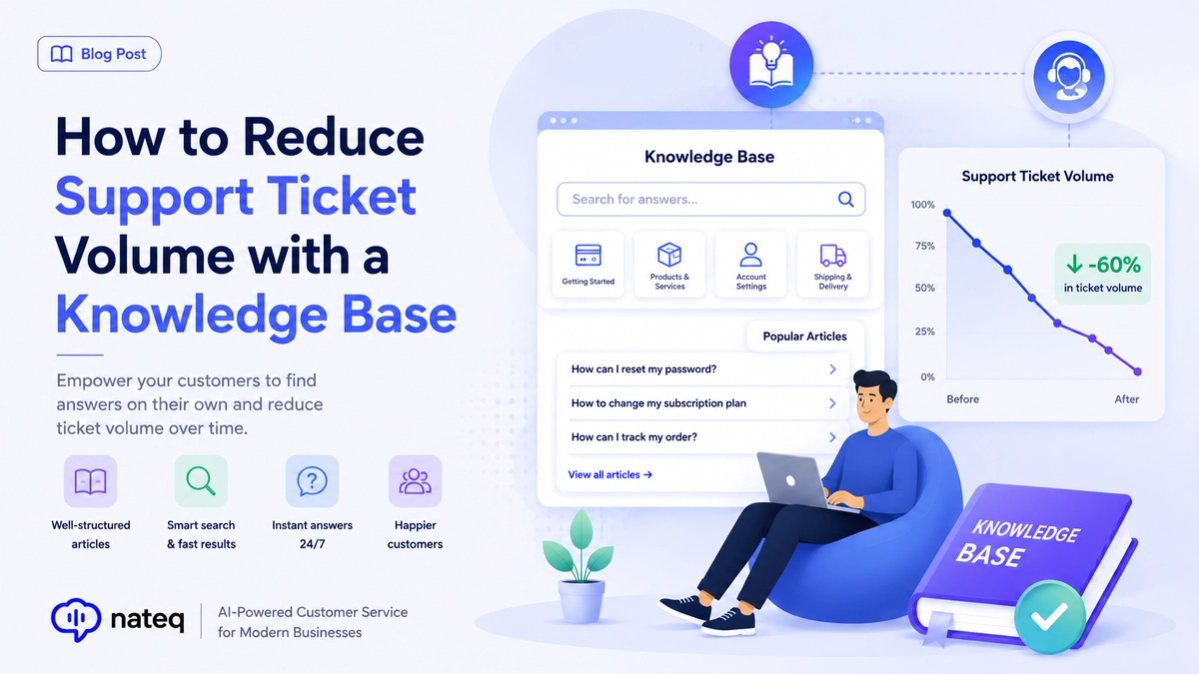
How to Reduce Support Ticket Volume with a Knowledge Base
A great knowledge base deflects repetitive tickets and helps customers help themselves. Here’s how to build one that actually lowers ticket volume.
2 min readCreate rich, searchable help articles in a powerful editor, then see exactly which ones resolve tickets and which need a refresh, so your knowledge base keeps getting better.
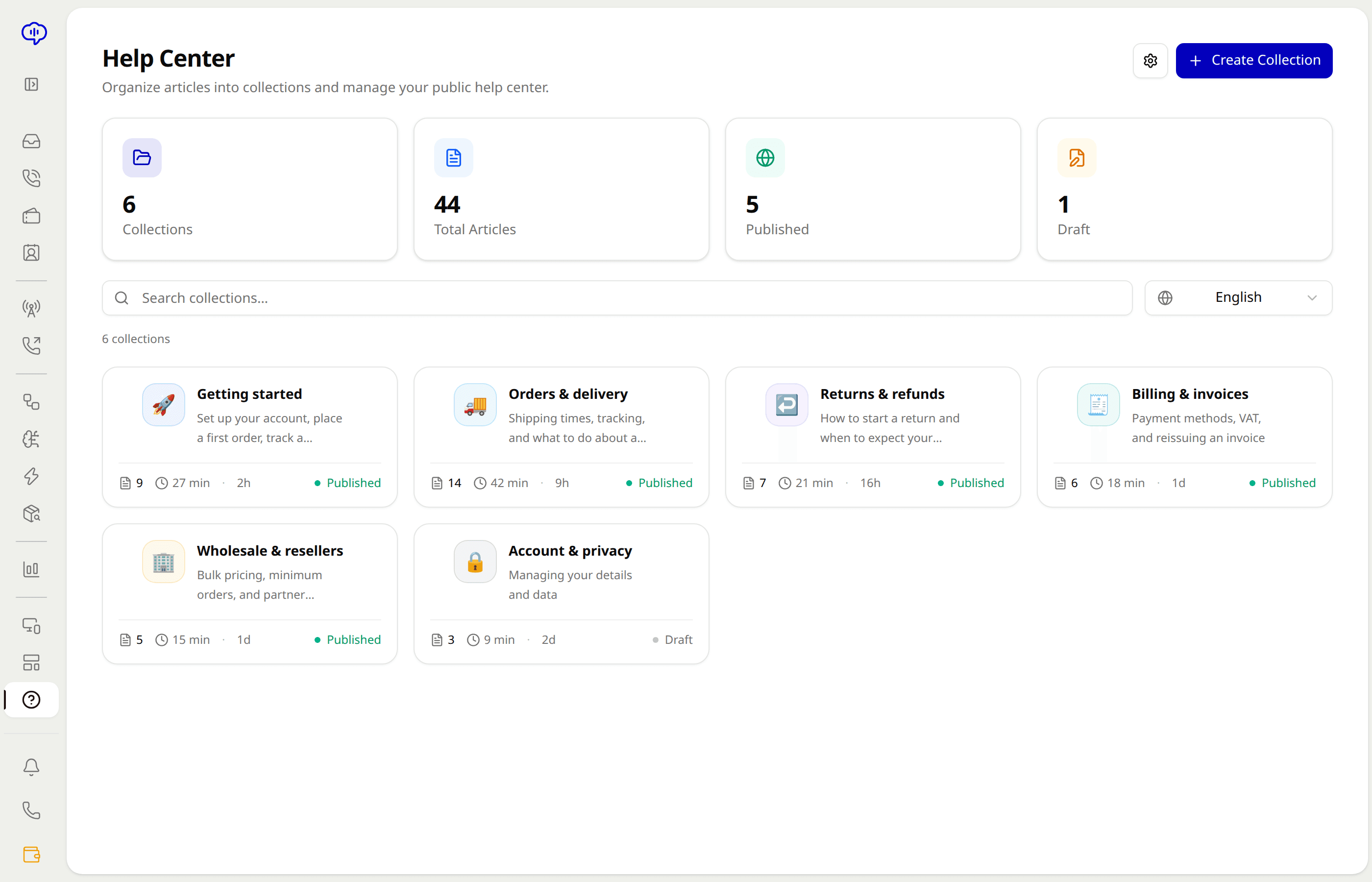
Write formatted articles with a rich text editor that keeps content clear and easy to maintain.
Embed images, videos, and code so complex answers are easy to follow and act on.
See views, ratings, and ticket deflection per article to know what's working and what to fix.
Draft, review, and roll back with version history so teams publish confidently and safely.
Nateq spots common ticket topics and suggests new articles to write, closing knowledge gaps.
Every article trains the AI agent, so better docs mean more questions resolved automatically.
Draft a clear, media-rich answer in the editor and publish when it's ready.
Track views, ratings, and how many tickets each article deflects.
Update weak articles and add AI-suggested ones to keep improving deflection.
Yes. The rich text editor supports embedding images, videos, and code so complex answers are easy to follow.
Article analytics show views, ratings, and ticket deflection so you can see exactly which content is working.
Yes. Version history and a draft workflow let teams review changes and roll back if needed.
Yes. Articles train the AI agent, so the better your knowledge base, the more questions it resolves automatically.
A great knowledge base deflects repetitive tickets and helps customers help themselves. Here’s how to build one that actually lowers ticket volume.
2 min read
AI customer service uses artificial intelligence to answer questions, route tickets, and support agents. Here is how it works and why it matters.
2 min readBring every conversation into one intelligent platform. Try it free for 14 days, no card required.