Guides
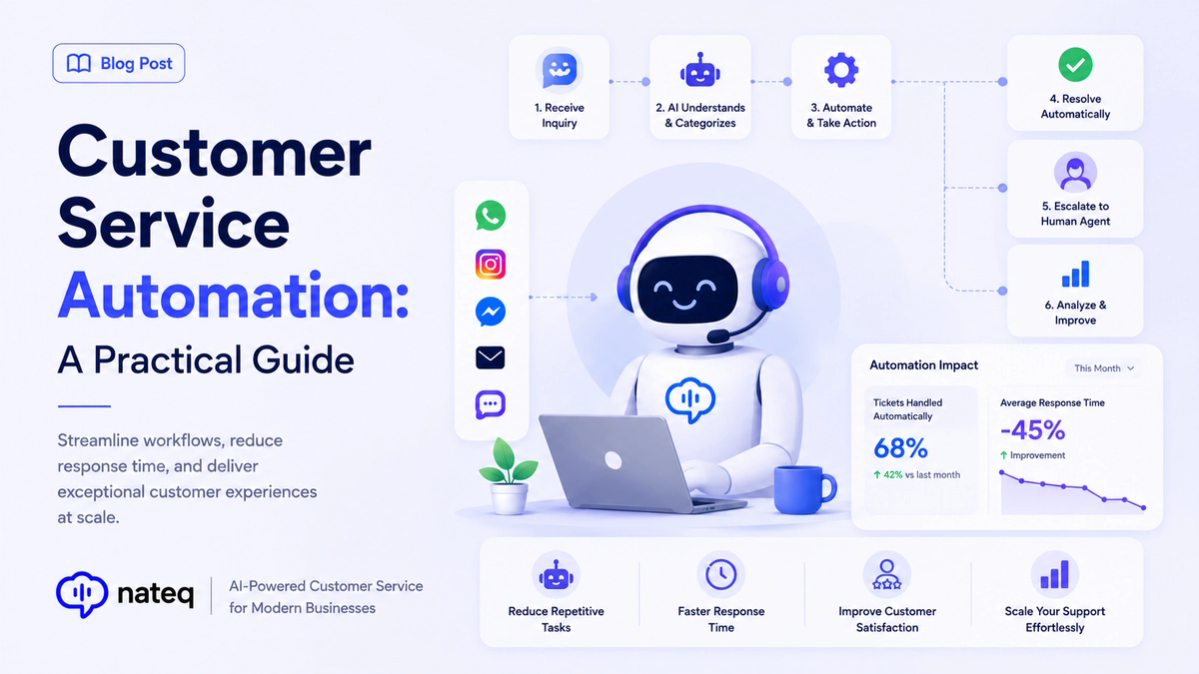
Customer Service Automation: A Practical Guide
Customer service automation handles repetitive work so agents focus on people. Learn what to automate, what to keep human, and how to start.
2 min readAutomate the small tasks that eat hours every week. Auto-tag, auto-assign, and auto-reply as rules fire the moment your conditions match, so your team spends time on customers, not busywork.
Last updated:
Fire actions on tickets, status changes, SLA warnings, and more the instant they happen.
Automatically tag and categorize by message content and channel so nothing needs manual sorting.
Send reminders, follow-ups, and status updates on a schedule, fully on autopilot.
Use AND/OR branching to build rules that handle even complex, real-world scenarios.
Offload the repetitive clicks that pile up daily so agents focus on real conversations.
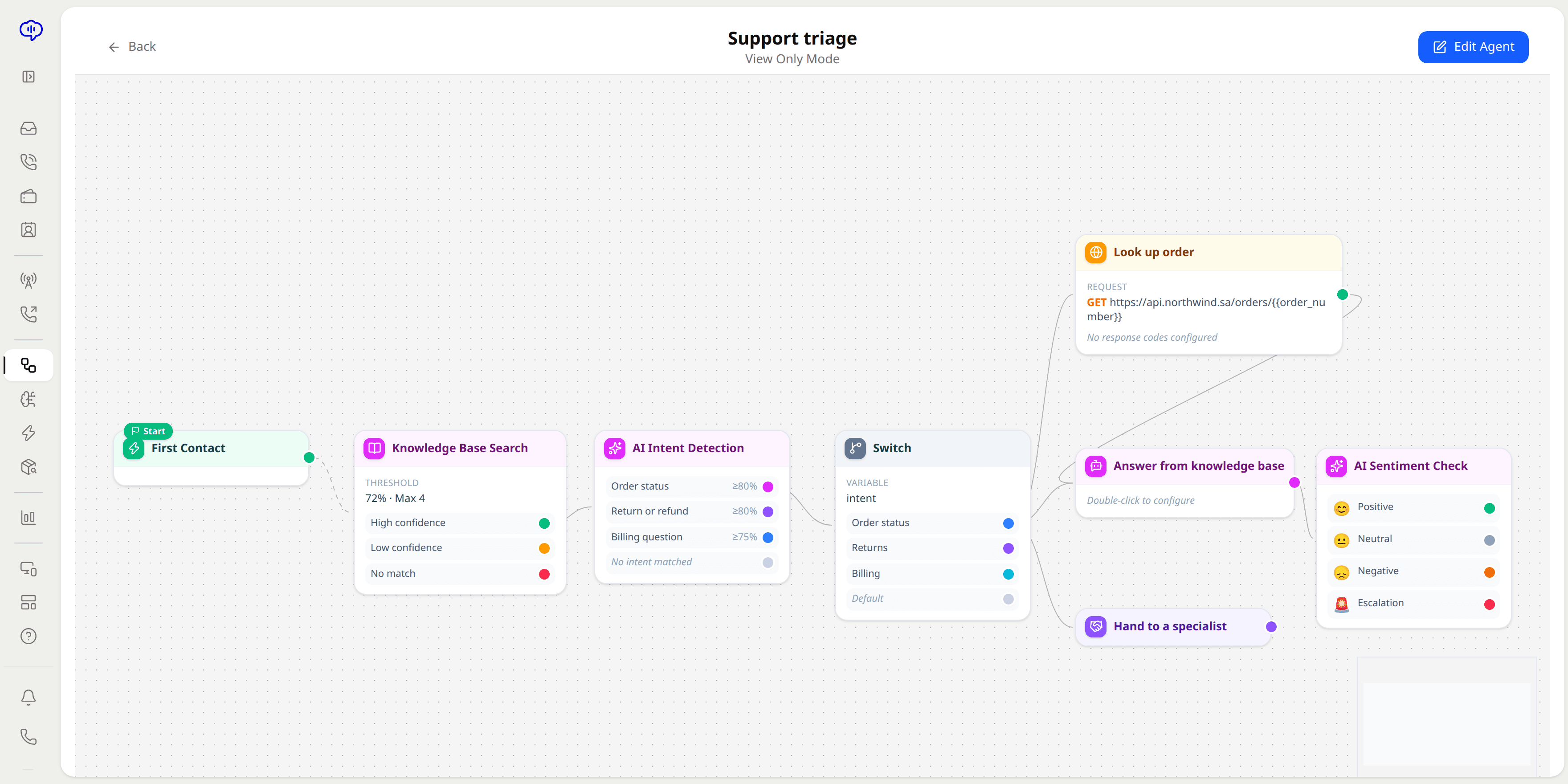
Set up every task automation with a visual builder, no developers or scripts needed.
Start from an event like a new ticket, status change, or SLA warning.
Use AND/OR logic to control exactly when the automation should run.
Tag, assign, reply, or schedule a follow-up automatically, every time.
Common tasks like tagging, assigning, replying, and scheduling follow-ups, triggered by events such as new tickets or status changes.
Yes. Conditional logic with AND/OR branching lets you build automations for real-world, multi-condition scenarios.
No. Task automations are built with a visual, no-code rule builder, so anyone on your team can set them up.
Yes. Reminders, follow-ups, and status updates can run on a schedule without anyone remembering to send them.
Customer service automation handles repetitive work so agents focus on people. Learn what to automate, what to keep human, and how to start.
2 min read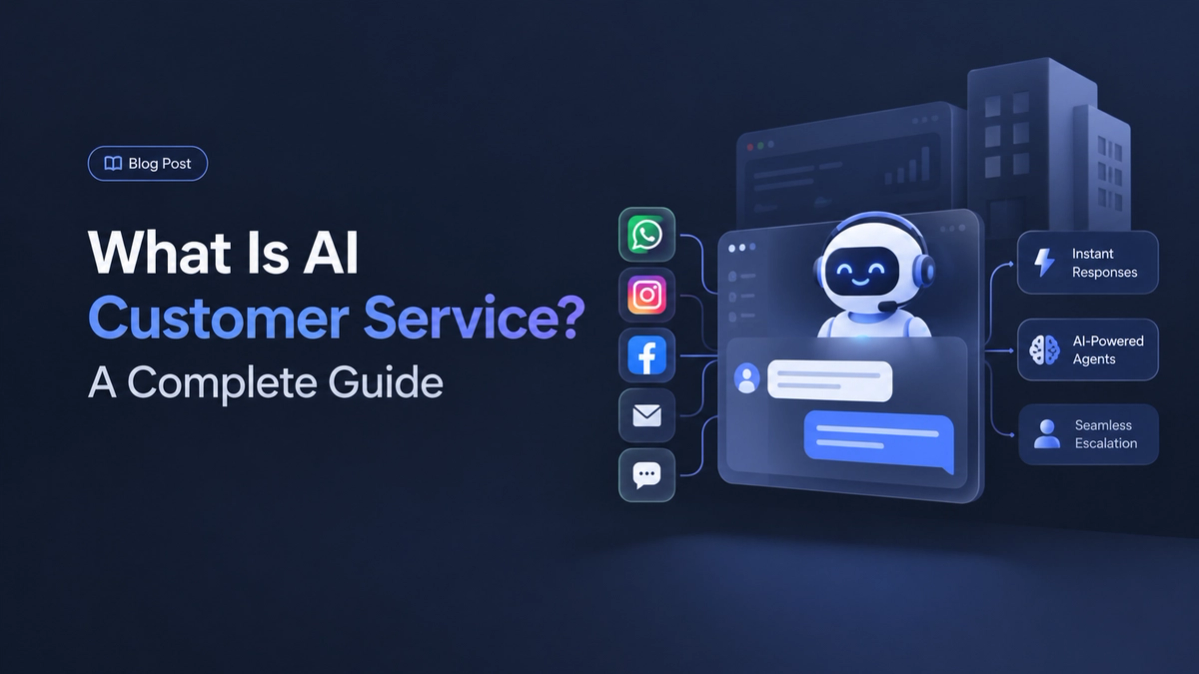
AI customer service uses artificial intelligence to answer questions, route tickets, and support agents. Here is how it works and why it matters.
2 min readBring every conversation into one intelligent platform. Try it free for 14 days, no card required.