Guides
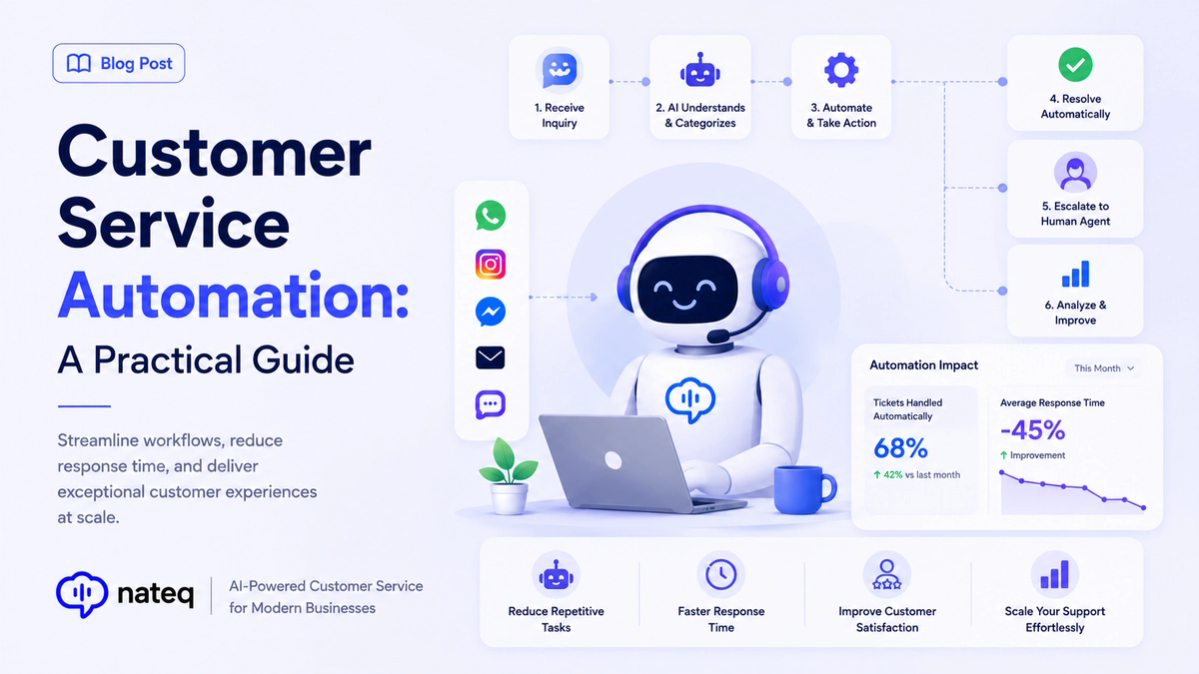
Customer Service Automation: A Practical Guide
Customer service automation handles repetitive work so agents focus on people. Learn what to automate, what to keep human, and how to start.
2 min readPush data between Nateq and your stack automatically. Open a Jira ticket from a bug report or update your CRM when a deal is mentioned, all without copy-paste or context switching.
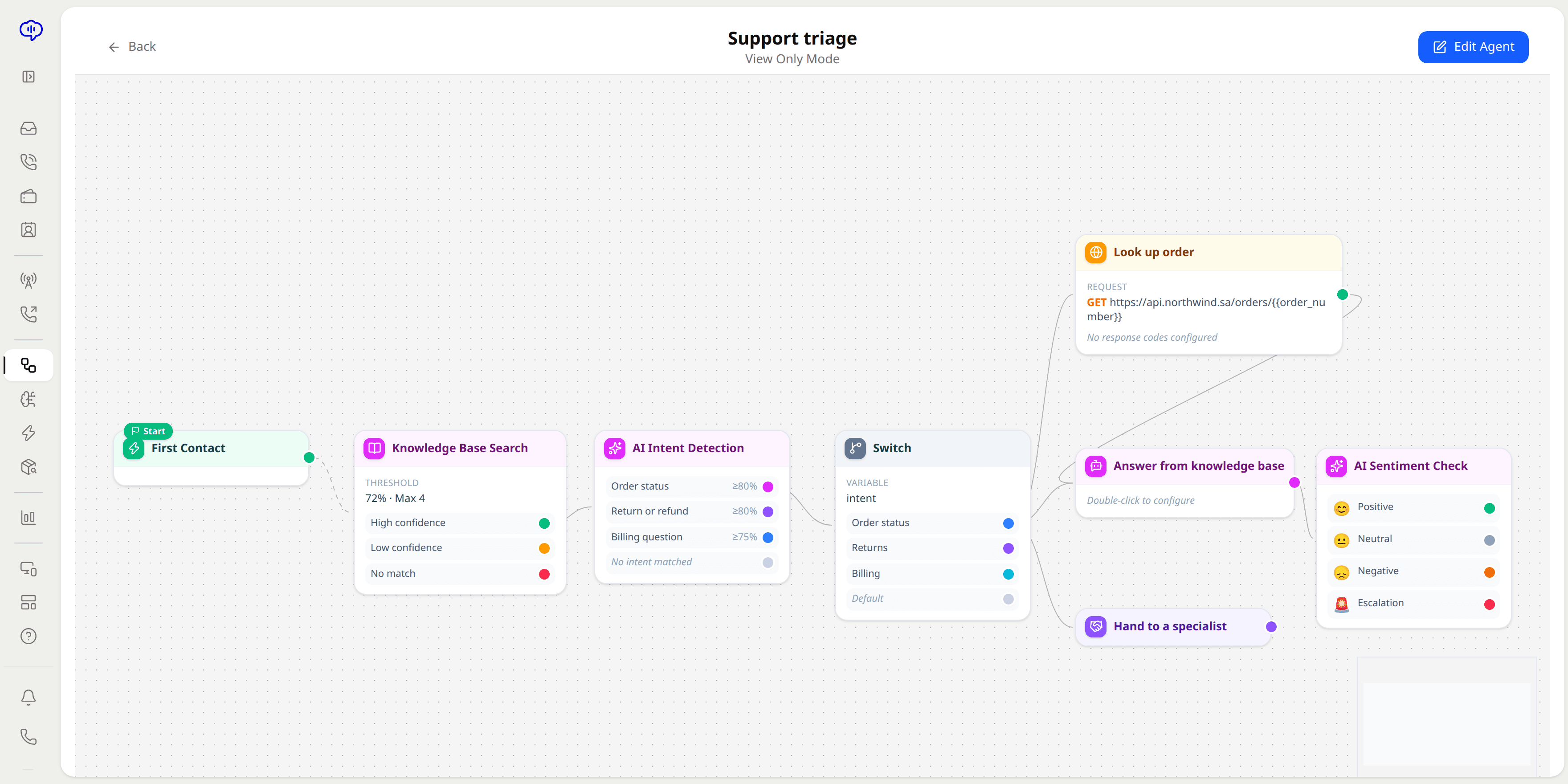
Keep Nateq and your CRM, project management, and comms tools in sync automatically, both ways.
Use webhooks to connect custom or internal systems and trigger actions across your stack.
Start from ready-made recipes for popular tool combinations instead of wiring everything by hand.
Data moves the moment it changes, with no polling delays, so systems stay current instantly.
Automated handoffs remove manual data entry between tools, cutting errors and saving time.
A bug report opens an engineering ticket, and a mentioned deal updates your CRM, in seconds.
Link your CRM, project management, and communication tools to Nateq.
Choose which events push data where, using recipes or webhooks.
Updates sync in real time across your stack, with no manual copy-paste.
Nateq syncs with CRM, project management, and communication tools, and supports webhooks for custom or internal systems.
Bi-directional. Data can flow both ways so Nateq and your other tools stay in sync automatically.
In real time. Data is pushed the moment it changes, without polling delays, so systems stay current.
No. Pre-built recipes cover popular tool combinations, and webhooks handle anything custom you need.
Customer service automation handles repetitive work so agents focus on people. Learn what to automate, what to keep human, and how to start.
2 min read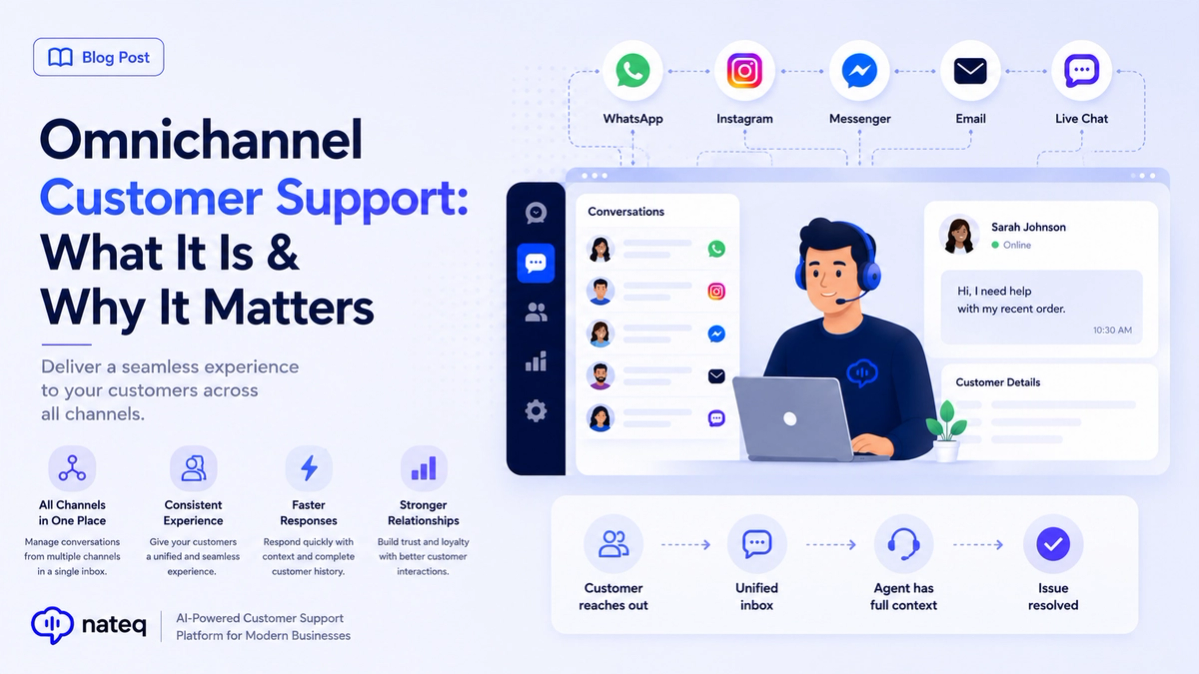
Omnichannel customer support unifies every channel into one connected experience. Learn what it means, how it differs from multichannel, and how to deliver it.
2 min readBring every conversation into one intelligent platform. Try it free for 14 days, no card required.