Guides
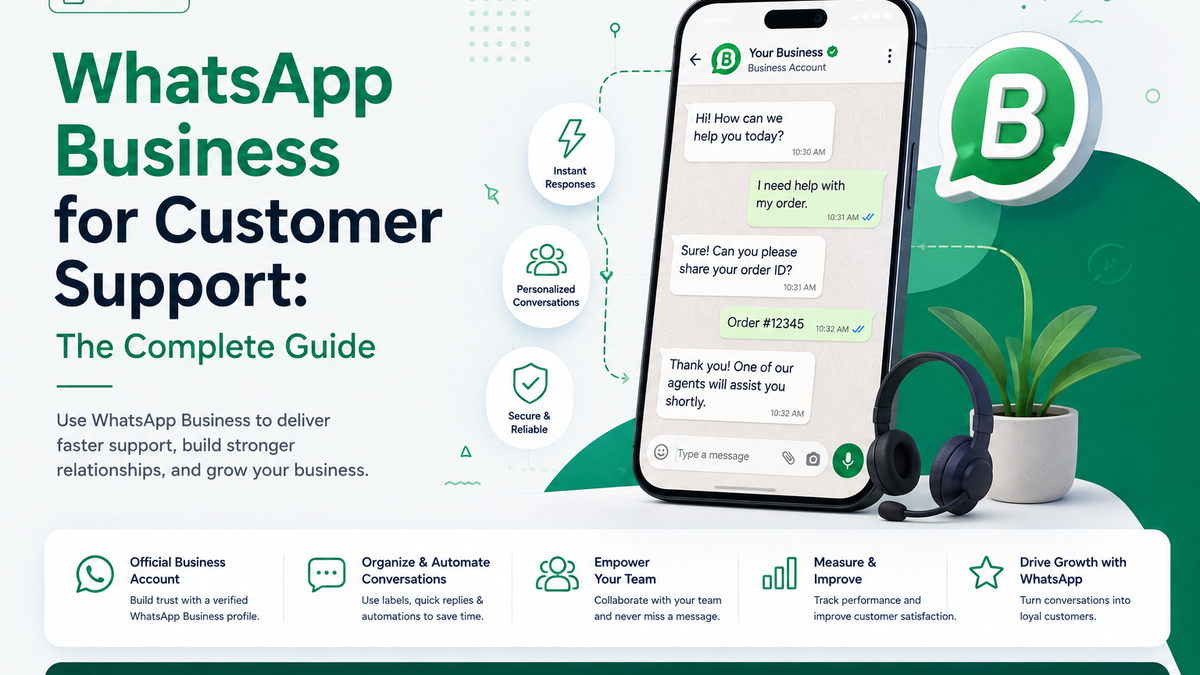
WhatsApp Business for Customer Support: The Complete Guide
Learn how to use WhatsApp Business for customer support — from setup and automation to managing every chat in one shared team inbox.
2 min read“كم تغيير الزيت لكامري ٢٠٢٠؟”, “متى أقدر أجيب السيارة؟”, “خلصت؟” Nateq's AI agent answers service and price questions from your own price list, books the visit on your calendar, and reads the job status from your workshop system when it is connected.
Nateq is an AI customer service platform for car service centres and workshops. It answers service and price questions, books service visits and tells customers where their job stands, on WhatsApp, phone calls, Instagram and website chat from one inbox. The AI agent replies in Gulf Arabic and English from the centre's own price list, and sends anything that needs a technician's judgement to a service advisor with the photos and voice notes attached.
Last updated:
Oil changes, tyres, periodic services: the agent quotes what your price list says for the model the customer names, and nothing it does not.
Open times are offered in the chat from the advisors' or bays' calendars, and the booking is written to Google Calendar or Outlook.
Connect the workshop system as an AI action, and the agent reads a job's status when the customer asks, instead of someone walking to the bay to check.
“السيارة تطلع صوت” goes to a service advisor with the conversation, photos and voice notes attached. The agent does not guess a fault.
Many customers still call. Calls reach your team in Nateq with recordings and transcripts next to the WhatsApp thread.
Recurring broadcasts remind customers of their next service with your approved WhatsApp template, and each visit gets its own reminder.
No. It answers from the price list and service menu you add to the knowledge base, as a document, a web page or typed questions and answers. If a model or a job is not covered, it tells the customer it will check and passes the conversation to an advisor, who sees the car details the customer already gave.
Keep the list current. A price that changed in the workshop but not in the knowledge base is the one price the agent will quote, so the list is the first thing to review after a price change.
The agent can answer it only when your workshop system is connected. You define the lookup as an AI action: a web address on your system, with the request template and the authentication it needs, such as a bearer token or an API key. When the customer asks, the agent calls that endpoint and reports the status it returns, using the car plate or job number the customer gave.
Without that connection, the agent says it cannot see the job and offers to pass the question to the advisor on duty, so it never invents a status.
Anything you mark as a sensitive topic goes to a person at once when a customer's message contains one of its keywords. Service centres usually list the diagnosis words: noise, smoke, warning lights, brakes. The advisor receives the whole conversation, every photo, and each voice note with its transcript, so the customer does not have to explain the car twice.
A bay or advisor is a booking host with its own calendar. The agent offers free times from that calendar, and the booking is written to it. Every booking also gets a reminder a day ahead and one an hour ahead, with a link to reschedule or cancel.
Service reminders for the next oil change or inspection are different: they are scheduled broadcasts, sent to the customers on a list you choose, using your approved template.
The customer names the model and year. The agent quotes the matching line from the price list, and offers a visit time. The customer books from the same chat.
With the workshop system connected, the agent reads the job's status and says when it is expected. Without it, the question goes to the advisor on duty.
The customer sends a voice note describing the noise and a photo of the dashboard warning. The note is transcribed into the thread, and the advisor reads both before calling back.
When the job is ready, the customer gets a payment link in the chat through your provider, and can pay before coming in to collect the car.
A call that arrives before the centre opens is answered by the voice agent, which offers a callback window or opens a ticket for the morning team.
An illustrative conversation written to show how it works, not a real customer's.
All live in the Nateq integrations directory today. Anything else connects through the REST API and webhooks.
The common setup: the advisor answers the workshop phone and a WhatsApp Business app, and walks to the bay to check on a car.
| What matters | Nateq | An advisor on the workshop phone |
|---|---|---|
| Price questions | Quoted from your price list at any hour, and checked before it is quoted. | Quoted from memory, and busy when the phone rings in the bay. |
| “Is it ready?” | Read from the workshop system when it is connected, and passed on when it is not. | Someone walks to the bay to check, and the customer waits on the line. |
| Bay bookings | Open times are offered in the chat and written to the calendar. | Written into a diary or a sheet, then copied to the calendar. |
| Diagnosis | Keyword topics go to an advisor with the photos and voice notes attached. | Depends on who answers, and details are retyped for the advisor. |
| Service reminders | Recurring broadcasts with approved templates. | Sent by hand when someone remembers the customer's last visit. |
Link your WhatsApp Business number and calls; add website chat and Instagram if you use them.
Import the service menu and prices, connect the calendar your advisors and bays book into, and connect the workshop system if you want job status.
List the diagnosis keywords that always go to a person, and set up the service reminders you want to send.
If your price list covers that model, yes. Otherwise the agent says it will check and passes the question to an advisor rather than guessing. Keep the list in the knowledge base current, because the agent quotes exactly what it contains.
Yes. The agent sends a payment link in the chat, through Tap, Moyasar or Stripe, depending on which provider you connected. The customer can pay from the link without visiting the centre. The link arrives in the chat the customer already has open.
Yes. Each branch can have its own team, calendar and business hours. The agent can show a customer a branch's address and map as a card from your own records, and routing sends each conversation to the branch the customer picks.
No. Diagnosis words you list as sensitive topics send the conversation straight to an advisor with the photos and voice notes. The agent can answer about services and prices, but it does not say what is wrong with a car.
Yes. Voice notes are transcribed once and kept in the thread, with the dialect the agent detected, so the advisor reads them without replaying the audio. Photos stay attached to the conversation for whoever takes it next. The advisor sees them in the same place as the messages, so nothing has to be sent again.
Yes. A recurring broadcast sends a reminder to the customers on a list you choose, using an approved WhatsApp template. Each booked visit also gets its own day-before and hour-before reminder. Every message uses an approved WhatsApp template, and a template that Meta has not approved is not sent.
Calls reach your team in the same inbox, with a recording and a transcript next to the WhatsApp thread. When no one is free, the voice agent offers a callback window or opens a ticket, and recorded calls start with a notice that they may be recorded.
Learn how to use WhatsApp Business for customer support — from setup and automation to managing every chat in one shared team inbox.
2 min read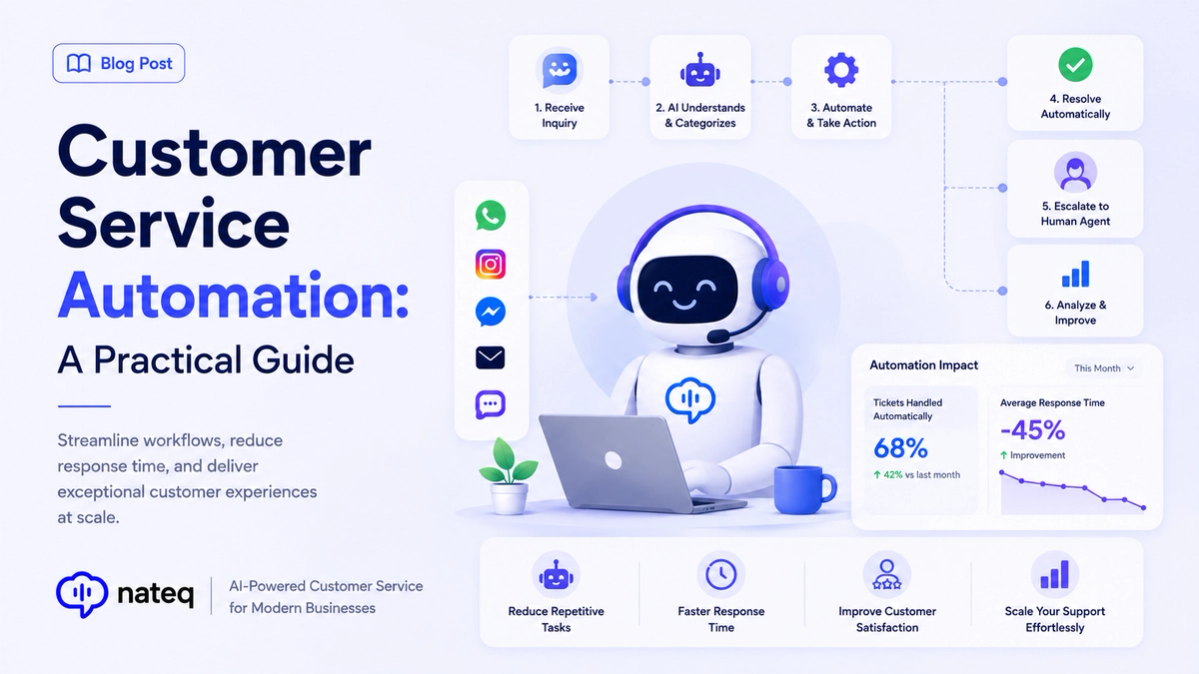
Customer service automation handles repetitive work so agents focus on people. Learn what to automate, what to keep human, and how to start.
2 min read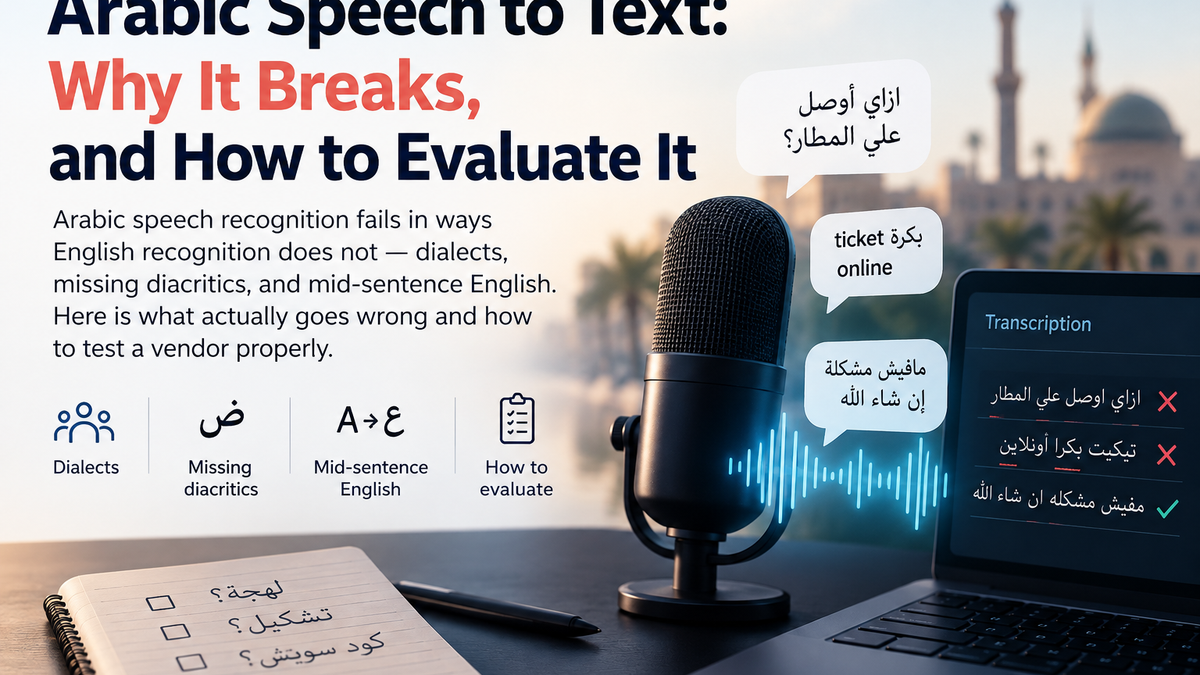
Arabic speech recognition fails in ways English recognition does not — dialects, missing diacritics, and mid-sentence English. Here is what actually goes wrong and how to test a vendor properly.
5 min readBring every conversation into one intelligent platform. Try it free for 14 days — no card required.