Guides
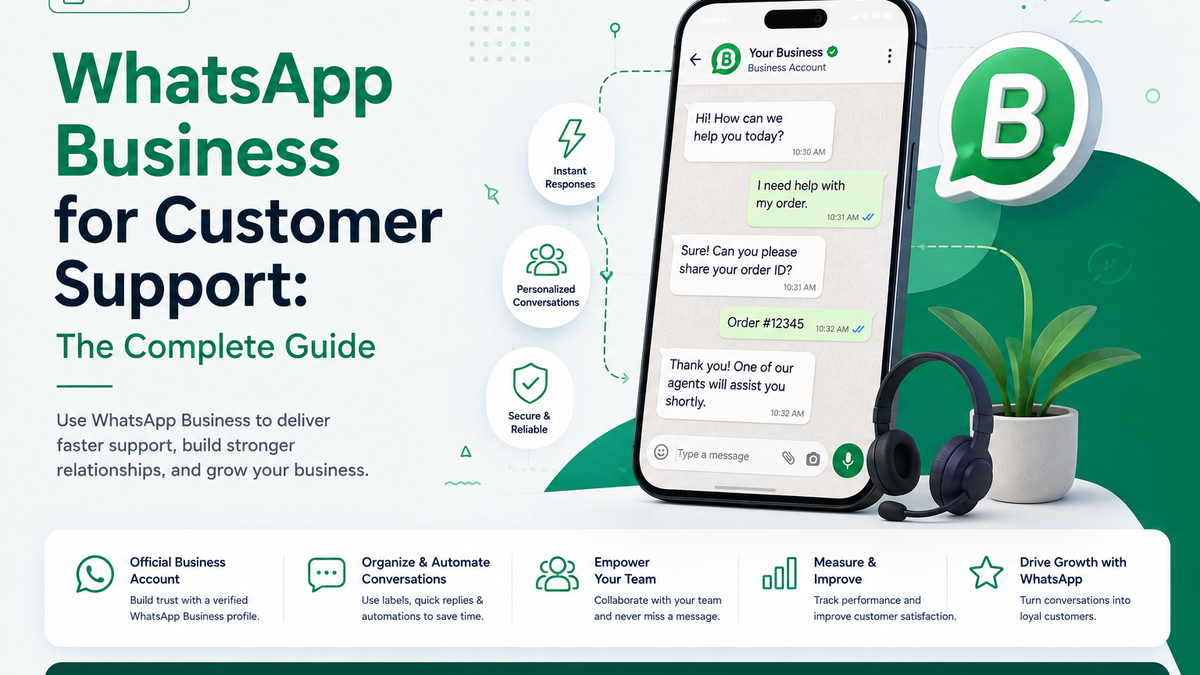
WhatsApp Business for Customer Support: The Complete Guide
Learn how to use WhatsApp Business for customer support — from setup and automation to managing every chat in one shared team inbox.
2 min readMeet customers on the channel they already use every day. Connect WhatsApp Business to Nateq to send rich media, automate replies, and manage every chat in one shared inbox.
Last updated:
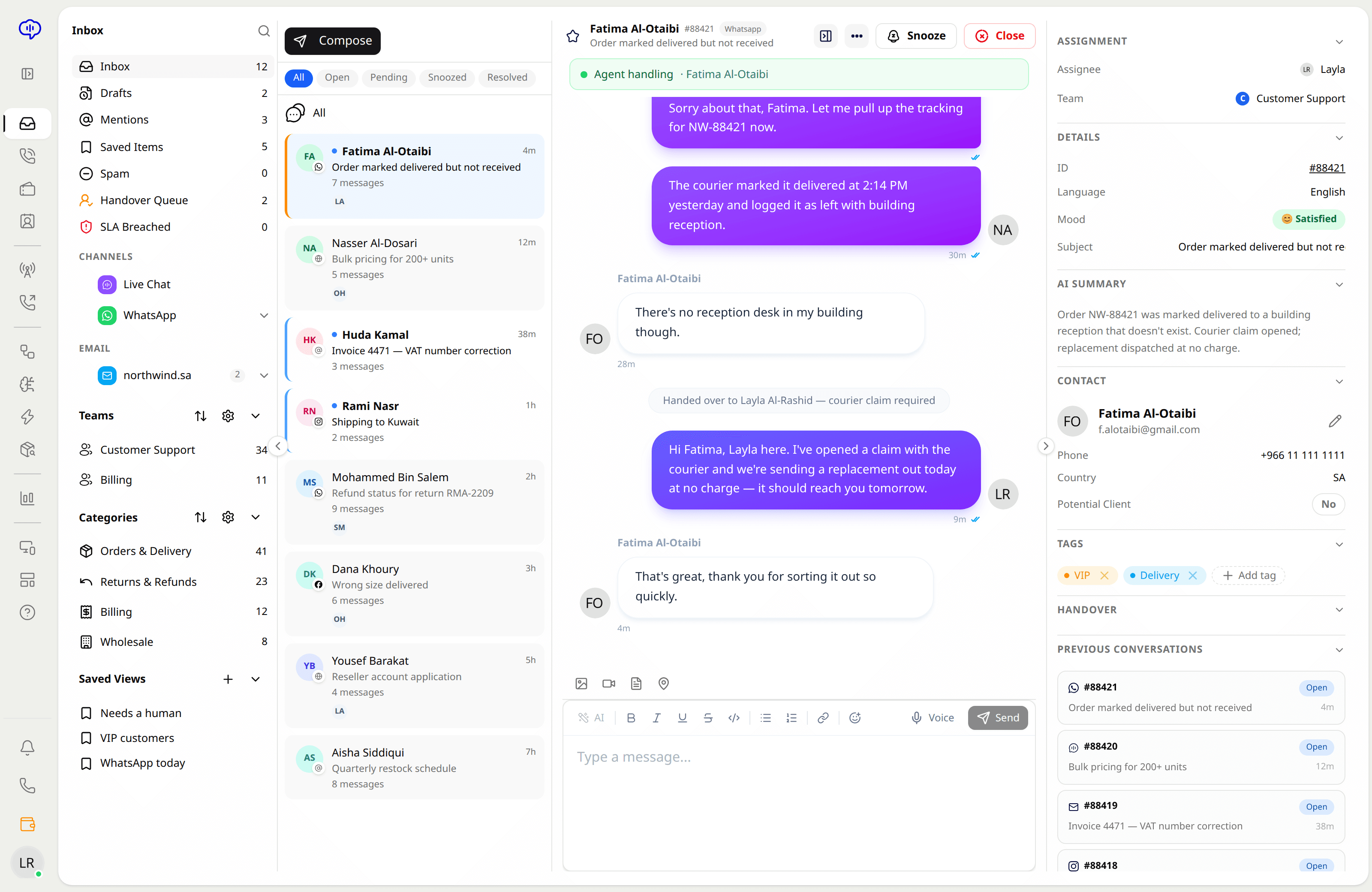
Connect your WhatsApp Business number and handle every conversation directly inside Nateq.
Send and receive images, documents, and other media so customers get exactly what they need.
Automate greetings, FAQs, and routing so common WhatsApp requests are handled without an agent.
The AI agent replies from your knowledge base and escalates to a human when a chat needs one.
Multiple agents manage WhatsApp together, with assignment and full history on every contact.
WhatsApp sits beside chat, email, calls, Facebook, and Instagram so nothing is managed in a separate silo.
Link your WhatsApp Business number to Nateq to start receiving chats.
Set up flows and AI replies for greetings, FAQs, and routing to the right team.
Agents pick up complex chats from the shared inbox with full customer history.
Yes. You connect a WhatsApp Business number to Nateq, then manage all conversations inside the unified inbox.
Yes. WhatsApp becomes a shared team inbox with assignment, routing, and full history per contact.
Yes. Use automated flows and AI replies for greetings, FAQs, and routing, with human handoff when needed.
Yes. Meta charges per message, at a rate set by the recipient's country and the message category. Our blog guide to WhatsApp Business API pricing lists the October 2026 rates for Saudi Arabia, the UAE and the rest of the Gulf. You connect your own WhatsApp Business Account, so Meta bills you directly at its published rates, with no markup from Nateq.
No. From 1 October 2026, Meta charges every reply to a customer, whether it comes from a person or an AI agent like Nateq, as a service message, per message, at the same rate as utility and authentication messages in the recipient's market. The first 1,000 service messages each calendar month are free on each business phone number. The allowance covers service messages only, not utility, authentication or marketing messages, and there are no volume tiers beyond it. A business that uses several WhatsApp numbers gets the allowance on each number. Utility templates sent inside an open 24-hour customer service window are charged too. What stays free: messages customers send you, and messages inside the 72-hour free entry point window that opens when a customer starts a chat from a Click-to-WhatsApp ad or a Facebook Page call-to-action. Nateq adds no markup; Meta bills your own WhatsApp Business Account directly.
Learn how to use WhatsApp Business for customer support — from setup and automation to managing every chat in one shared team inbox.
2 min read
What Egyptian businesses actually need to get WhatsApp Business API approved: documents, phone number rules, and the rejections that catch most people.
5 min read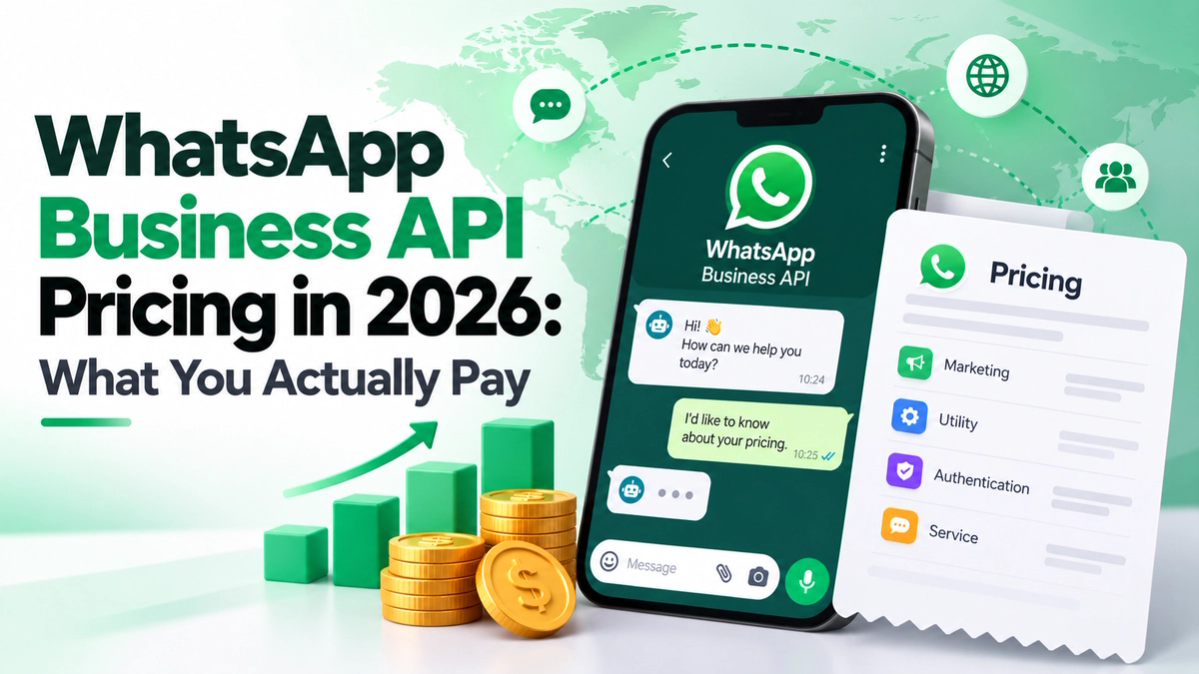
Meta charges per WhatsApp message, and from 1 October 2026 for replies to customers too. Rates for every Gulf market, and what stays free.
10 min read
WhatsApp Business API cost in the UAE, per message: October 2026 rates in USD and AED, a worked example, and how UAE businesses get verified.
6 min readBring every conversation into one intelligent platform. Try it free for 14 days, no card required.