Product
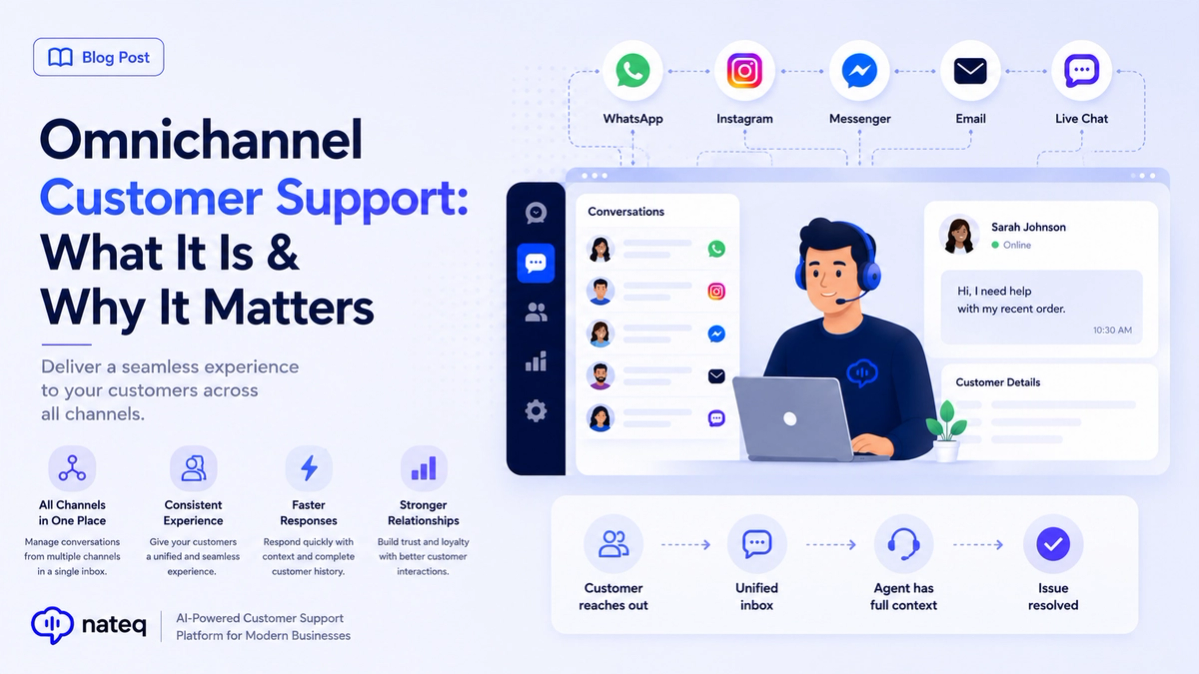
Omnichannel Customer Support: What It Is & Why It Matters
Omnichannel customer support unifies every channel into one connected experience. Learn what it means, how it differs from multichannel, and how to deliver it.
2 min readA question under a paid ad is a buying signal sitting in public. Nateq pulls Messenger threads, Page post comments, and ad comments into the same queue as email and chat, and can answer the comment publicly while moving the details into a DM.
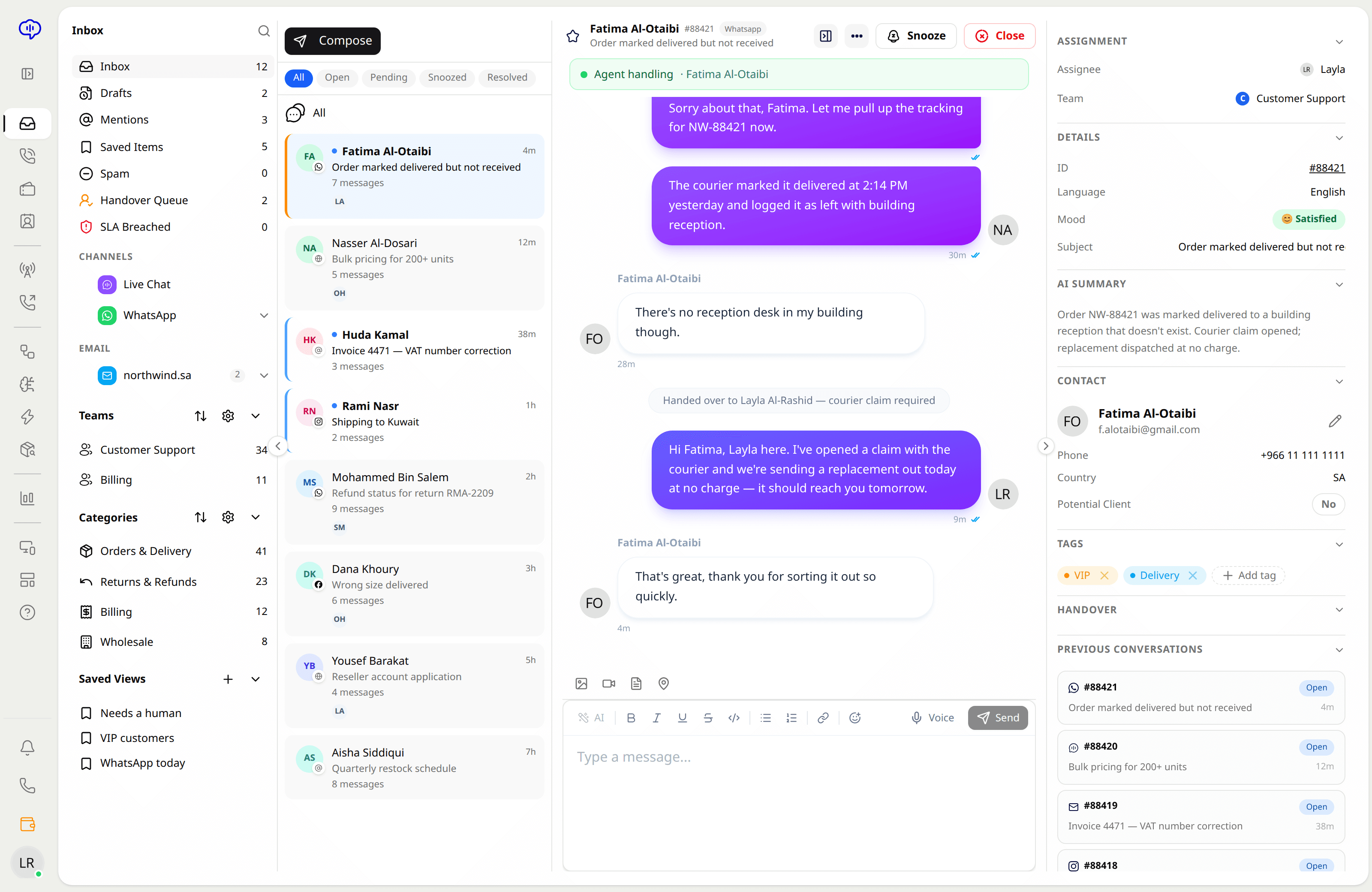
Page messages arrive beside every other conversation, with the customer's full history attached rather than starting from nothing.
Ad comments are the ones that cost you money to earn. They land in the queue with the rest, so a pricing question does not sit unanswered under spend.
Rules can post a short public answer and open a direct message for the specifics, so the thread reads well to everyone else scrolling past.
Run more than one Page — by brand, market, or language — without a separate login or a separate person watching each one.
The AI answers from your knowledge base, so the reply under a post says the same thing your help centre does.
Facebook sits alongside chat, email, calls, WhatsApp, and Instagram, so a customer who moves between them keeps one history.
Authorize the Facebook Pages you want covered. Add more at any time.
Messenger threads, post comments, ad comments — turn on what you want in the queue.
Decide which comments get an automatic public reply and which open a direct message.
Yes. Comments on organic posts and on paid ads both arrive in the queue, and you can set rules that reply publicly and continue in a direct message.
Yes. Connect as many Pages as you run; they share one queue, and each message shows which Page it came from.
Not for support. Once your Page is connected you read and reply in Nateq, with the same history and assignment as every other channel.
Yes. If the same person emailed you last month, that conversation is attached — you are not answering a stranger.
Omnichannel customer support unifies every channel into one connected experience. Learn what it means, how it differs from multichannel, and how to deliver it.
2 min read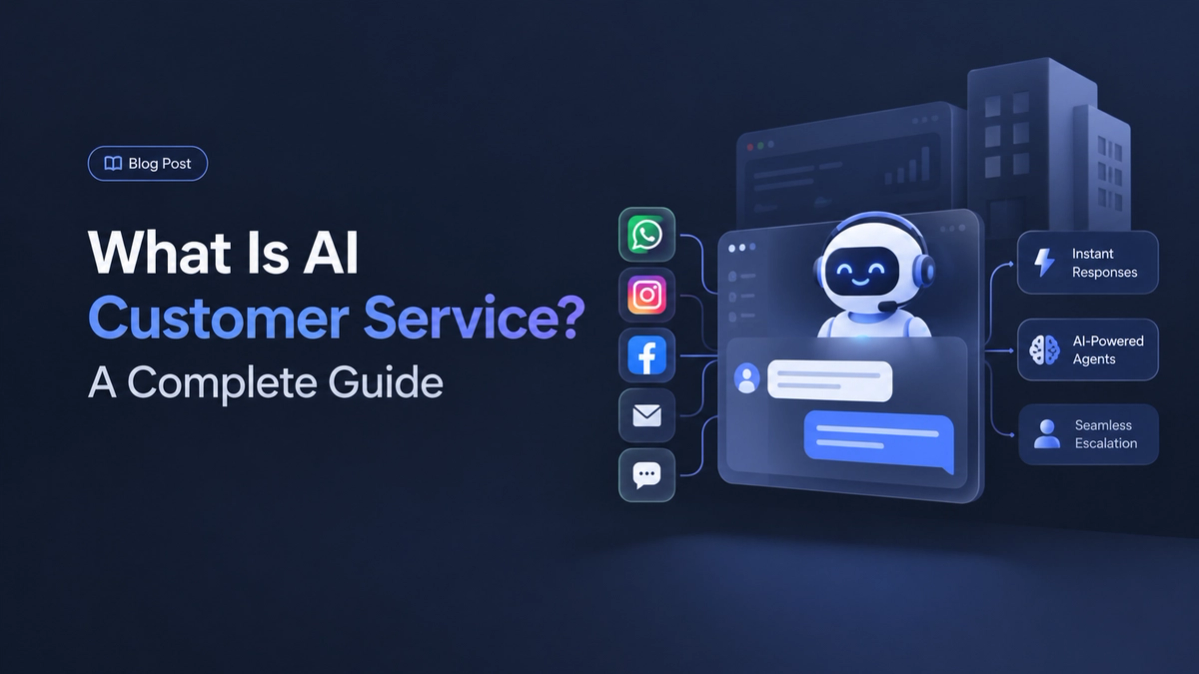
AI customer service uses artificial intelligence to answer questions, route tickets, and support agents. Here is how it works and why it matters.
2 min readBring every conversation into one intelligent platform — free during early access.