Guides
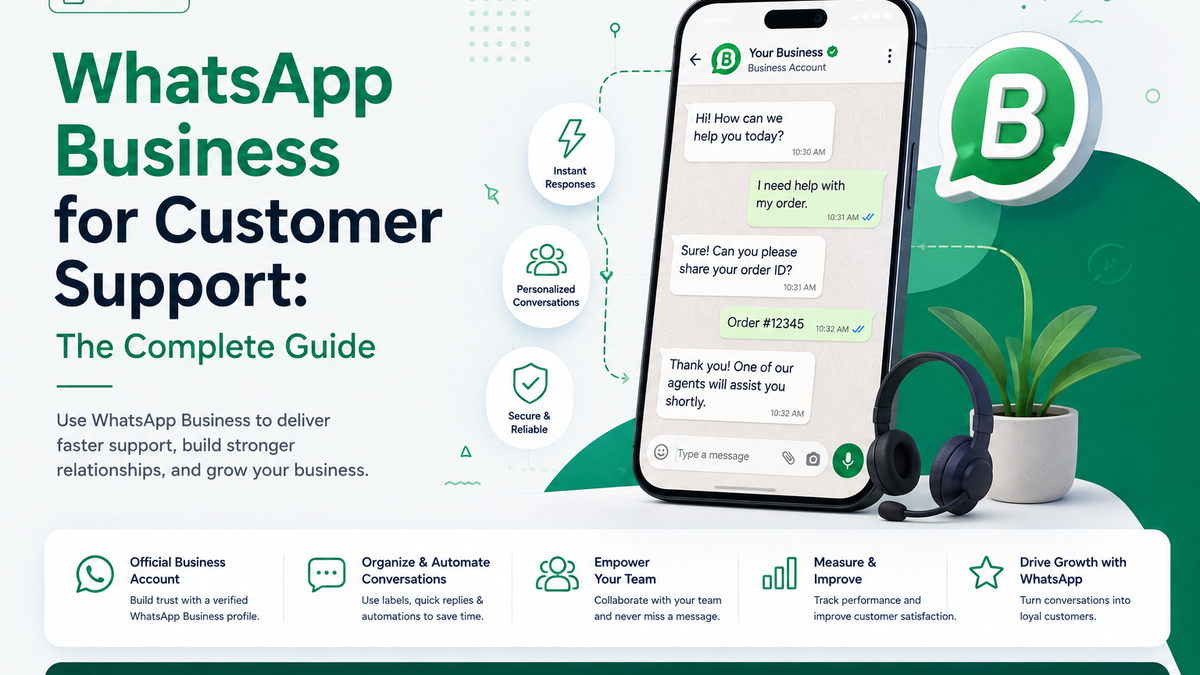
WhatsApp Business for Customer Support: The Complete Guide
Learn how to use WhatsApp Business for customer support — from setup and automation to managing every chat in one shared team inbox.
2 min readPatients want to book, move or confirm an appointment without waiting on hold. Nateq's AI agent does that on WhatsApp and chat, puts the booking on the doctor's calendar, sends the reminder, and answers questions about prices, directions and opening hours.

Nateq is an AI customer service platform for clinics and other appointment-based businesses. It takes bookings, changes and cancellations on WhatsApp, website chat and Instagram, writes them to Google Calendar or Outlook, sends reminders, answers questions about prices, directions and opening hours, and offers a callback when a booking call arrives and no one is free. The agent replies in Gulf Arabic and English. Nateq is for appointment and admin conversations, not medical advice or clinical details.
Last updated:
The agent offers open slots from each doctor's working hours and writes the booking to Google Calendar or Outlook. Cancelling removes the calendar event.
Patients get a reminder a day ahead and one an hour ahead, with a link to reschedule or cancel. Reminders go on WhatsApp with an approved template, or by email.
Nateq is for appointment and admin conversations. You set the topics that always go to a person, and a message with one of your keywords goes straight to staff instead of being answered.
Patients who call to book or move an appointment ring your team in the same inbox. When no one is free, the voice agent offers a callback window or opens a ticket for the front desk.
Patients book at night from the open slots. Reception confirms in the morning only what needs a person.
The agent answers from what you publish: where you are, parking, prices, opening hours and what to bring. When a question is not covered, it offers a person rather than guessing.
No. Nateq is for appointment and admin conversations, not medical advice or clinical details. You list the topics that always go to a person, each with up to 50 keywords in any language, and a message containing one goes to staff at once instead of being answered. Matching is by keyword rather than by a model's guess, so an admin can see exactly why a conversation went to staff and correct the list when it was wrong.
The agent handles the administrative side: open slots, the prices you publish, the location, and what to bring. When a question is not covered by your content, it says so and offers a person rather than guessing.
Each bookable doctor or room is a host with its own calendar and, if you set them, its own working hours. The agent offers times from those hours and writes the booking to the host's calendar. A patient can then change or cancel the booking through the reschedule-or-cancel page linked in the confirmation.
Reminders are built in: one a day before the appointment and one an hour before. A reminder on WhatsApp uses the approved booking template. Until Meta has approved that template, the reminder is not sent on WhatsApp, and an email goes out instead when the patient left an address.
The call transfers to a person only when the team is open and someone eligible is online. Otherwise the voice agent tells the caller so, offers a callback window on WhatsApp or the phone, or opens a ticket for the front desk. The agent does not book appointment slots over the phone, so the booking itself is made by staff or in chat.
Recorded calls start with a notice that the call may be recorded. Recordings are kept for seven days on the Basic plan and ninety days on Team and above, and you can set a shorter period for each number.
In the EU, in Frankfurt. Our DPA applies to every workspace, every sub-processor is listed publicly, and customer data is not used to train AI models. Nateq is for appointment and admin conversations, not medical advice or clinical details.
A patient asks for a dental appointment after work. The agent offers the open slots for the week, the patient picks one, and the doctor's calendar updates before the clinic opens.
A patient asks what a cleaning costs and where to park. The agent answers from the prices and directions you published, and offers to book.
The reminder's link opens the reschedule page. The patient picks another slot, the old calendar event is replaced, and the clinic sees the change in the same thread.
The call reaches the team when someone is online. When everyone is with a patient, the caller hears the offer of a callback window and picks one.
A patient asks something your content does not cover. The agent says so and hands the conversation to reception with the history, instead of guessing.
An illustrative conversation written to show how it works, not a real customer's.
All live in the Nateq integrations directory today. Anything else connects through the REST API and webhooks.
The usual setup: the receptionist answers the phone and a shared WhatsApp app, and the calendar is kept by hand.
| What matters | Nateq | A receptionist and a WhatsApp Business phone |
|---|---|---|
| Booking outside hours | Patients book from open slots at any hour, straight onto the calendar. | Messages wait for the desk, and the booking is copied into the calendar later. |
| Reminders | A day before and an hour before, with a reschedule link. | Sent by hand when someone remembers, so missed visits go unnoticed. |
| Prices and directions | Answered at any hour from what you publish; anything medical goes to staff. | Wait for the desk, and the answer depends on who picks up. |
| Booking calls | Calls go to a free person, or a callback window or ticket is offered. | Calls ring out, or go to voicemail that someone checks later. |
| Records | The booking, the reminder and the conversation sit in one thread per patient. | Spread across the phone, the calendar and a chat app. |
Link your WhatsApp Business number and website chat. Bring your phone line when ready.
Google Calendar or Outlook, per doctor or per room, then add your services, prices and opening hours.
List the keyword topics that always go to a person, add your prices and directions, submit the reminder template to Meta for approval, and check the first conversations.
Google Calendar and Outlook Calendar. Each doctor or room is a host with its own calendar grant and working hours. Other booking systems can connect through the REST API and webhooks. Slots the agent offers come from the calendars you connect, so a time already taken in them is not offered.
Yes. Each reminder and confirmation links to a reschedule-or-cancel page. A reply to a reminder on WhatsApp is a normal conversation too, so the agent can offer another slot and update the booking in the same thread. A patient who cancels frees the slot for someone else, and the calendar event is removed.
Calls ring your team in the same inbox first. When no one is free, the voice agent offers a callback window or opens a ticket. It does not book appointment slots on the phone, so the booking is made by staff or in the chat. Voice minutes are billed from your prepaid wallet.
No. Nateq is for appointment and admin conversations, not medical advice or clinical details. You set the topics that always go to a person and their keywords, and a message containing one goes straight to staff. The agent answers only the administrative side, from your content, and says so when a question is outside it.
Yes, with the booking reminder template you submit to Meta. An unapproved template is skipped rather than guessed at. The day-before and hour-before reminders then go by email when the patient left an address and their calendar invite does not already cover it.
Yes. Each doctor or room is a separate host, with its own calendar and working hours, so the agent offers only times that the chosen host has free. Bookings for each host are written to that host's calendar. A host's working hours apply too, so a doctor who is off on a given day is not offered slots that day.
Data is hosted in the EU, in Frankfurt. Our DPA applies to every workspace. Nateq is for appointment and admin conversations, not medical advice or clinical details.
Learn how to use WhatsApp Business for customer support — from setup and automation to managing every chat in one shared team inbox.
2 min read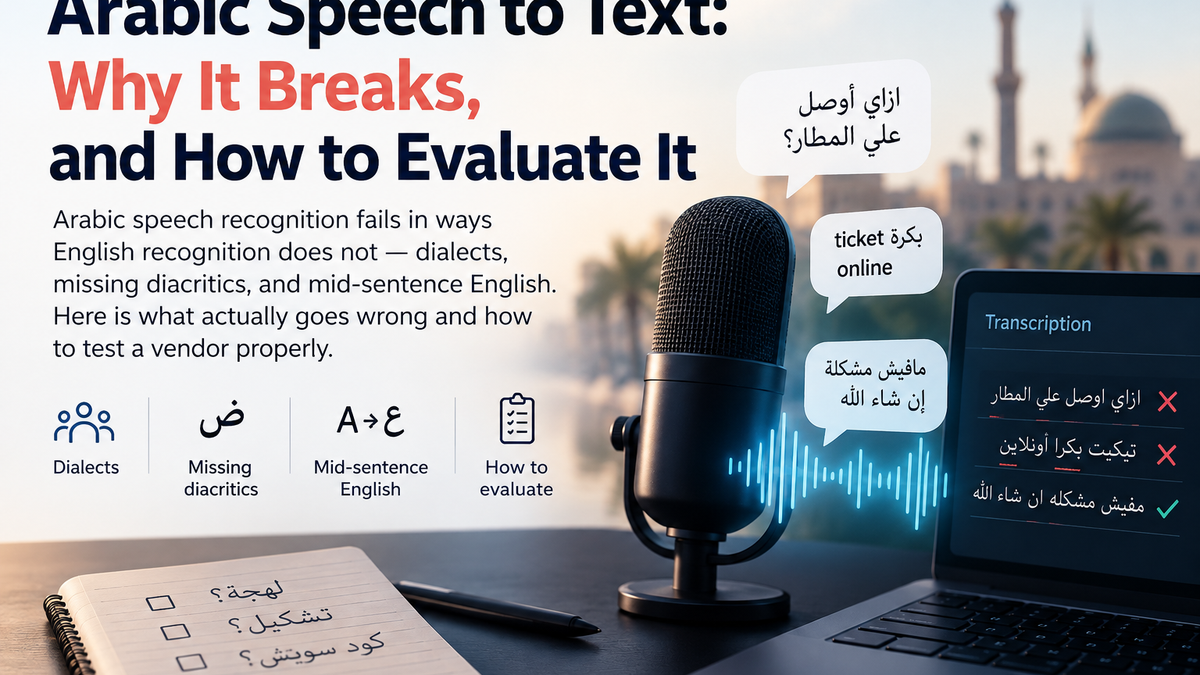
Arabic speech recognition fails in ways English recognition does not — dialects, missing diacritics, and mid-sentence English. Here is what actually goes wrong and how to test a vendor properly.
5 min read
Serving customers in Arabic well means more than translation. Learn the best practices for fast, natural, right-to-left Arabic customer support.
2 min readBring every conversation into one intelligent platform. Try it free for 14 days — no card required.