Product
Omnichannel Customer Support: What It Is & Why It Matters
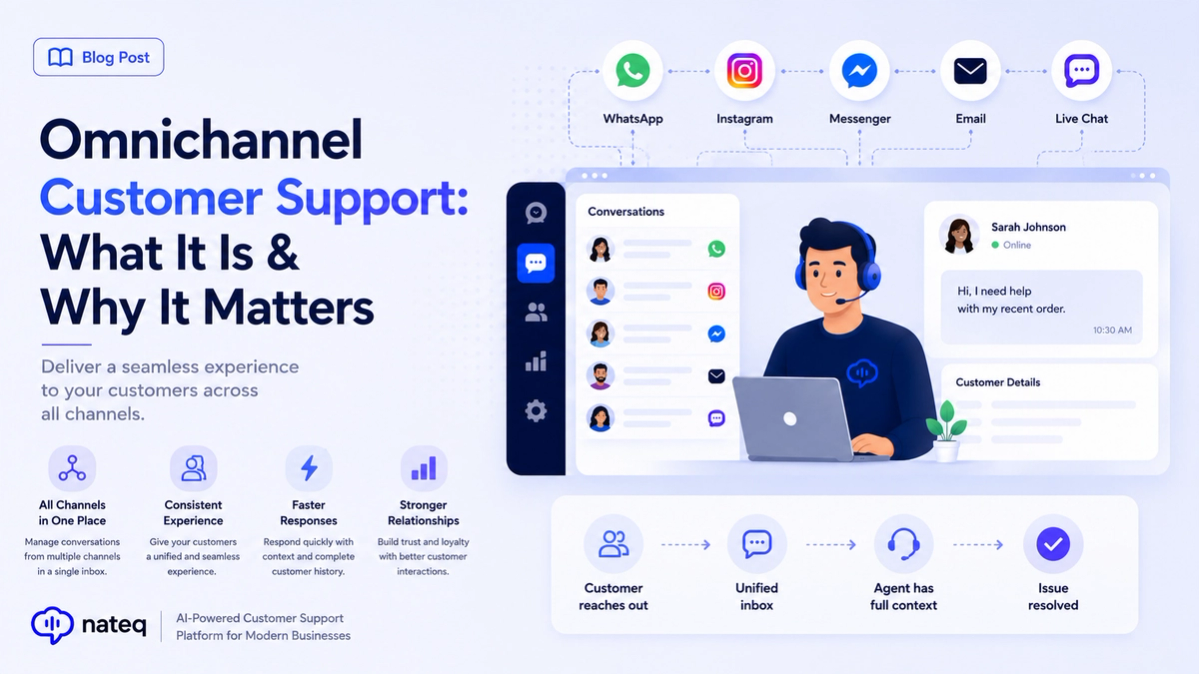
Omnichannel customer support unifies every channel into one connected experience. Learn what it means, how it differs from multichannel, and how to deliver it.
2 min readCustomers write to one number and expect the branch near them to answer. Nateq's AI agent asks which branch, routes the conversation to that branch's team, holds each team to its own hours and SLA, and gives managers one view across all of them.
Nateq is an AI customer service platform for businesses with several branches. It runs WhatsApp, calls, chat, Instagram, Facebook and email for every branch from one inbox. Each branch is a team with its own queue, business hours and SLA targets, the AI agent works out which branch a customer needs, and managers see volume, response time and CSAT for each team.
Last updated:
The agent asks which branch, or reads it from the message. A routing rule on a keyword such as an area name then sends the conversation to that branch's team.
Each branch is a team with its own agents and queue. A conversation can be transferred to another team or person with a note, and its history moves with it.
Each team can have its own business hours, and an SLA can be scoped to a team. A branch that closes at 10 pm is not measured as if it were open at midnight.
Statistics break volume, response time and CSAT down by team, so a manager can compare branches without asking each one for a report.
Company-wide policies live in one knowledge base. Each branch's address, opening hours and services come from its own records and content.
When a branch falls behind, a conversation that has waited past the set time moves to an overflow team, which you choose, instead of the queue growing.
Either works, and both land in the same inbox and the same reports. With one shared number, the routing works from what the customer says: the branch or area they name, the language they write in, or a keyword in the message. With a number per branch, the customer picks the branch by the number they write to, and the conversation still goes through the same routing rules.
Three things work together. The agent asks the branch question in the first reply, when your instructions tell it to. A routing rule matches a keyword, such as a neighbourhood or a city name, and assigns the team. And for a customer who wants directions, the agent can send a branch's address and map as a card, taken from your own location records.
A conversation that names no branch stays with the agent, which asks again. Set a fallback team so that no conversation waits without an owner.
The agent still answers from your content, because business hours govern when a person is expected to reply. If the customer asks for a person, they are told when the team reopens, in their own language, and the conversation waits in that team's queue with a ticket. The reopening time is calculated in the schedule's own time zone.
Each team has an overflow setting: a time after which a waiting conversation moves to a team you choose, such as a central support team. The default time is five minutes. The move is recorded on the conversation, so the receiving team sees where it has been.
The customer names the branch, and the conversation goes to that branch's team. A staff member at that branch confirms the table, with the party size and time already on the thread.
A customer writes to a branch that closes at ten and asks for a manager. They are told the team reopens in the morning, and the request waits with a ticket for the opening shift.
Waiting chats pass the overflow time, and they move to the central team. The branch works its own queue while the central team takes the rest.
The conversation is transferred to the team in the new city, with a note explaining the change. The history comes with it, so the customer does not repeat the order.
The manager compares volume, response time and CSAT by team, and exports the figures as CSV or a PDF report for the meeting.
An illustrative conversation written to show how it works, not a real customer's.
All live in the Nateq integrations directory today. Anything else connects through the REST API and webhooks.
The common setup: each branch answers from its own phone, and the head office collects numbers from a spreadsheet each month.
| What matters | Nateq | A WhatsApp Business app per branch |
|---|---|---|
| Customer's first contact | One number or one per branch, answered by the agent at once. | Each branch's phone waits for someone to pick it up. |
| Finding the right branch | Asked by the agent, or routed by keyword, language or channel. | Customers write to the wrong branch, and the staff forward the chat by hand. |
| Hours and targets | Each team has its own hours and SLA targets. | Every branch is judged by the same informal standard, if any. |
| Overflow | A waiting conversation moves to a team you choose after the set time. | A busy branch's customers wait until someone frees up. |
| Reporting | Volume, response time and CSAT by team, exportable as CSV or PDF. | Each branch sends its own figures, often late and in a different format. |
Add each branch's agents, its business hours and its SLA targets.
One shared WhatsApp number or one per branch, plus calls, chat and social.
Tell the agent how to identify a branch, add keyword rules for areas, and choose the overflow team.
Each branch is a team, with its own agents, queue, business hours and SLA targets. A routing rule or the agent's branch question assigns each conversation to a team, and that team works its own queue. Managers see every team in the statistics.
Yes. Statistics can be grouped by team, so volume, response time and CSAT sit side by side. You can export the data as CSV or a PDF report, and schedule reports to be sent on a timetable. A scheduled report goes out at the same time each week, so nobody has to remember to pull the figures.
Yes. Every channel from every country lands in the same inbox, and routing rules can send each conversation to the team that covers its market, by the language a customer writes in or a keyword. Each team keeps its own business hours.
Yes. The agent asks the customer which branch they mean, and routing rules act on the keywords and the language in the answer. You can also use one number per branch, and both setups share the same inbox, team queues and reports.
The agent still answers from your content. If the customer asks for a person, they are told when the team reopens, in their own language, and the request waits in that team's queue with a ticket. Nothing is lost overnight.
Yes. A conversation can be transferred to another team or a named colleague, and its history moves with it, so the receiving team reads the earlier messages before it replies. Nothing has to be copied across, and the customer stays in the same conversation.
From your own records. The agent can show a customer a branch's address, map and details as a card, using the location records you keep for the business. Branch opening hours are kept in the team's business hours, so the agent and the staff use the same schedule.
No. Keep company-wide policies in one knowledge base, and add the details that differ by branch, such as menus or services, as content for that branch. The agent answers from the content it has, so write branch facts down rather than leaving them in staff memory.
Omnichannel customer support unifies every channel into one connected experience. Learn what it means, how it differs from multichannel, and how to deliver it.
2 min read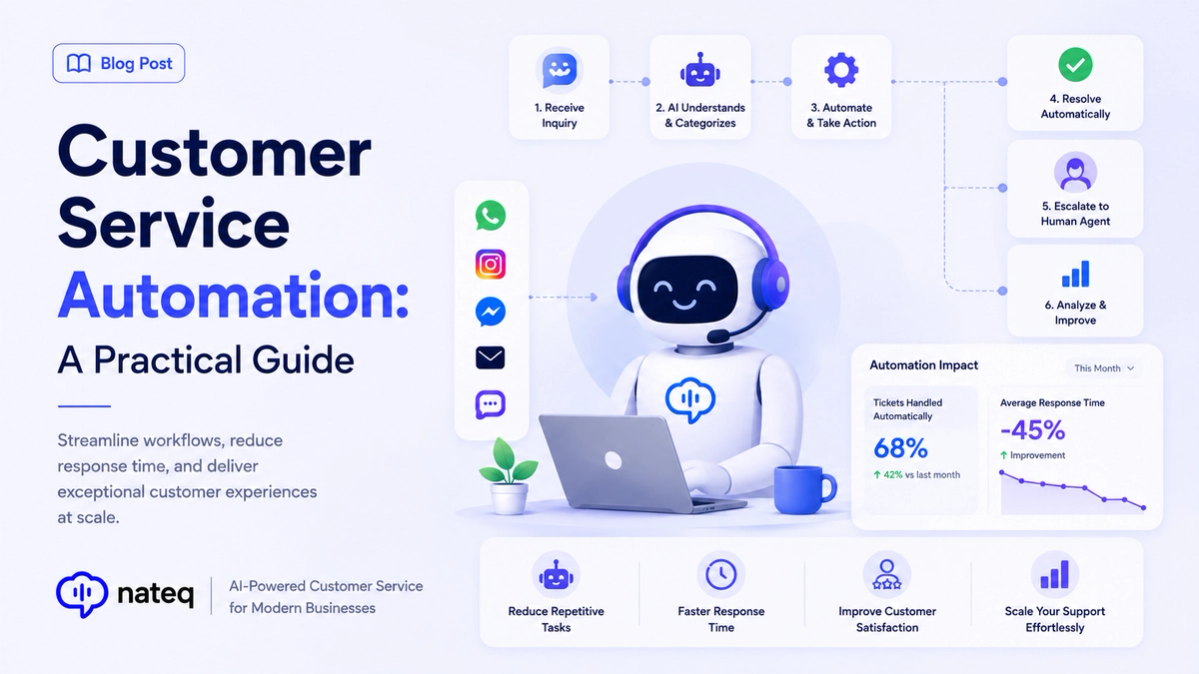
Customer service automation handles repetitive work so agents focus on people. Learn what to automate, what to keep human, and how to start.
2 min read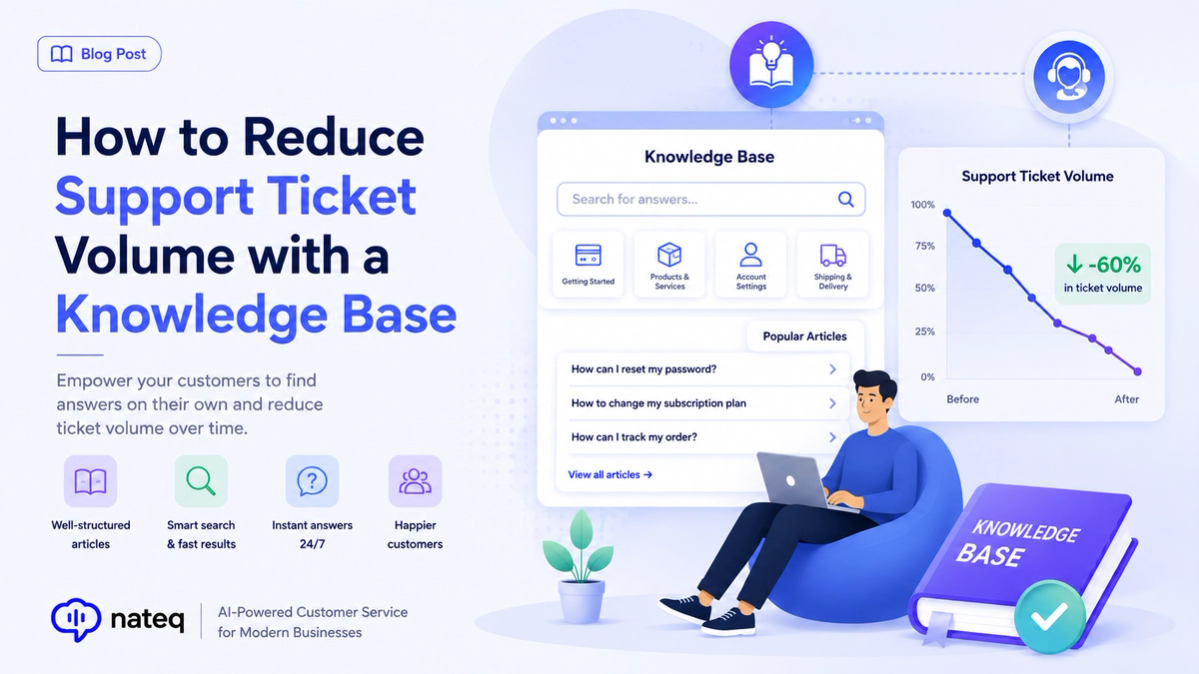
A great knowledge base deflects repetitive tickets and helps customers help themselves. Here’s how to build one that actually lowers ticket volume.
2 min readBring every conversation into one intelligent platform. Try it free for 14 days — no card required.