Guides
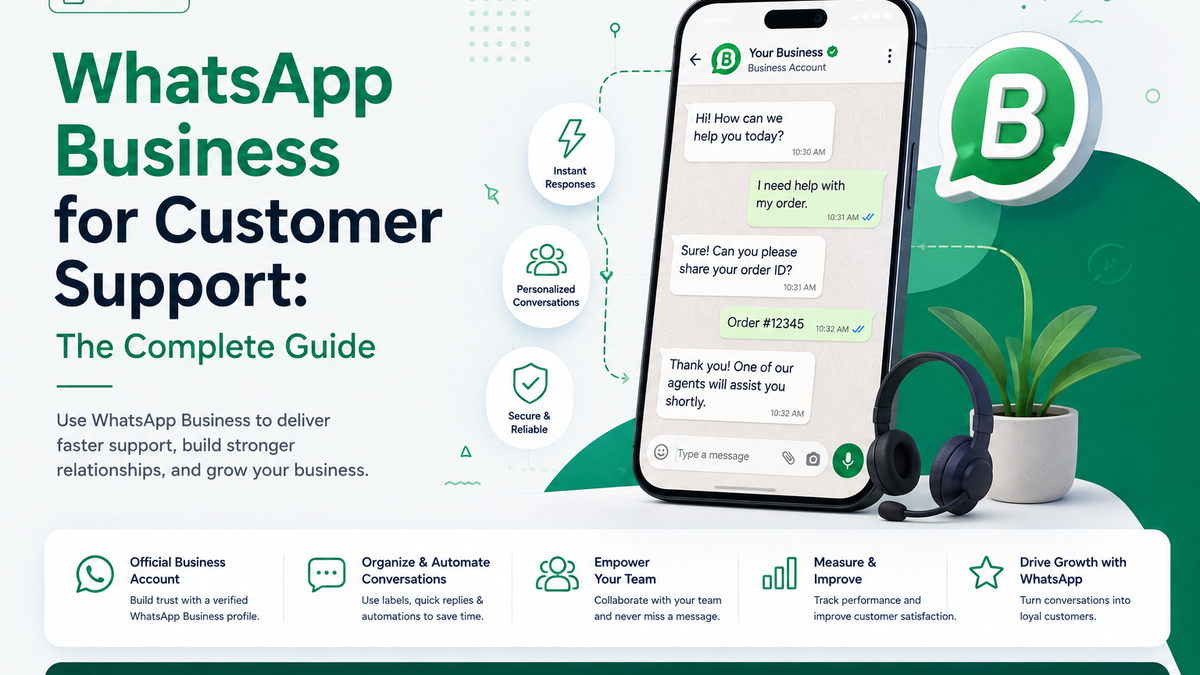
WhatsApp Business for Customer Support: The Complete Guide
Learn how to use WhatsApp Business for customer support — from setup and automation to managing every chat in one shared team inbox.
2 min read“متوفر مقاس 42؟”, “وين طلبي؟”, “أبي أرجّعه.” Nateq's AI agent answers product, delivery and returns questions from your store content, sends payment links in the chat, and hands busy-day overflow to your team in the same inbox.
Nateq is an AI customer service platform for online stores in Saudi Arabia, the UAE and the GCC. It puts WhatsApp, Instagram, Facebook, website chat and email in one inbox. The AI agent replies in Gulf Arabic and English from your product, delivery and returns content, sends Moyasar, Tap or Stripe payment links in the chat, and hands conversations to staff at peak times or when a customer needs a person.
Last updated:
Sizes, materials, delivery times and return windows, answered from the product pages and policies you add, and recommendations from the same content.
Instagram direct messages and story replies, and Facebook Page messages, arrive in the same queue as WhatsApp.
Send a payment link from Moyasar, Tap or Stripe inside the conversation, so the customer pays where the question was asked.
Connect Shopify, Salla or Zid, and the agent can look up an order when the customer gives the order number and the email or phone on it.
On White Friday or a campaign day, the agent takes the routine questions, and routing rules send complaints and high-value orders to your team first.
Damaged items, refunds above a limit you set, or an unhappy customer go to an agent with the full conversation and a summary.
Yes. Shopify, Salla and Zid stores connect from the catalog in the app. Once a store is connected, its products and their availability sync into Nateq, and the agent answers product questions from that copy. Stores that are not on that list, or order systems you run yourself, can be reached through AI actions, which call an HTTP endpoint you define with bearer, API key or basic authentication.
You can also upload a CSV, or give a product feed URL that Nateq reads on a schedule. Meta Commerce is the option that enables native WhatsApp product messages.
From the synced catalog. Each product carries an availability state, and the agent reads that state when a customer asks whether a size or colour is in stock. Between syncs, the copy can differ from the shelf, so keep your store connected and check the sync status in the catalog before relying on it for a large promotion.
The agent keeps answering the questions your content covers, so the queue your team sees is the part that needs people. Each team can have an overflow setting: when a conversation has waited longer than the set time, it moves to an overflow team. The default wait is five minutes, and you can change it per team.
Sentiment tags help sort the queue, so complaints can be handled before browsing questions. Routing rules can match keywords such as “استرجاع” or “تالف” and set a higher priority on the conversation.
Only what you have authorised. Refunds and discounts have a ceiling that you set for the workspace, and the agent cannot commit to an amount above it: the action is refused in code, whatever the conversation says. Topics such as refunds or cancellations can also be marked as sensitive, which sends the conversation straight to a person when a customer's message contains one of your keywords.
The agent checks the product page for the size, quotes the delivery window for the customer's city, and offers a payment link. The shopper buys before sleeping.
The customer gives the order number and the phone on the order. The agent reads the status from the connected store. A different phone gets no details, so one order cannot be read by a guess.
The customer asks for their money back for a large order. The agent explains that a person will review it, and the conversation arrives with the order details and the request already written down.
The photo and the description stay in the thread, so the staff member who takes the case sees the damage without asking the customer to send it again.
Questions pile up in the first hour. The agent keeps answering the routine ones, and overflow moves waiting conversations to the second team when the first one falls behind.
An illustrative conversation written to show how it works, not a real customer's.
All live in the Nateq integrations directory today. Anything else connects through the REST API and webhooks.
The common setup: one shared phone, a set of saved replies, and a person copying order details from the store dashboard.
| What matters | Nateq | A shared WhatsApp Business app with saved replies |
|---|---|---|
| Product questions | Answered from your product and policy content, in the customer's dialect. | Answered by whoever is on the phone, from saved replies that may be out of date. |
| Order status | Looked up in the connected store, after the customer proves the order is theirs. | Copied from the store dashboard by hand, with the risk of showing the wrong order. |
| Payment | A payment link from your provider, sent in the same chat. | A link pasted from another tab, and a reply when the customer returns. |
| Peak days | Routine questions are answered first, and overflow moves waiting chats to another team. | Everyone on the shared phone works the same queue, and the first messages wait longest. |
| Refunds and discounts | Capped by the limits you set, and refused in code above them. | Whatever the person on the phone decides in the moment. |
| Channels | WhatsApp, Instagram, Facebook and website chat in one queue. | WhatsApp only. Instagram and Facebook messages are checked separately. |
Link your accounts and add the chat widget to your store.
Connect Shopify, Salla or Zid from the catalog, then add sizing guides, delivery and returns policies. Connect a payment provider for links in the chat.
Set routing for complaints, refunds and large orders, set the refund limit, and watch the first conversations.
Yes, when the store is connected from the catalog. The agent reads each product's availability from the synced copy. Between syncs that copy can differ from the shelf, so the agent answers from what was last synced. Products you add by CSV or feed follow the same rule.
Shopify, Salla and Zid stores connect from the catalog. You can also use Meta Commerce, a product feed URL that Nateq reads on a schedule, or a CSV upload. Order lookups need a connected store, because the agent reads orders from it.
Nateq sends payment links from Moyasar, Tap and Stripe. The methods a customer sees on the link are the ones your provider has enabled on your account, so check them with that provider before a campaign. The customer opens the link and pays on the provider's own page.
It can only commit to refunds up to the limit you set for the workspace. Anything above that is refused by the system, and the conversation goes to a person. You can also mark refunds as a sensitive topic, so any message with your keywords goes straight to staff.
Yes. The customer gives the order number and the email or phone on the order. The details are shown only when that contact matches the order, so a guessed order number reveals nothing. The agent reads the status from the connected store.
Yes for messages. Instagram direct messages and story replies, and Facebook Page messages, come into the same inbox as WhatsApp and website chat, with the same routing rules and the same agent. Each channel's own account must be connected first.
Meta bills WhatsApp delivery to your own WhatsApp Business Account at its published rates. Nateq adds no markup. Meta sets the rate per country and per message category. Our guide to WhatsApp Business API pricing walks through how the rates apply.
Learn how to use WhatsApp Business for customer support — from setup and automation to managing every chat in one shared team inbox.
2 min read
Meta charges per WhatsApp message, and from 1 October 2026 for replies to customers too. Rates for every Gulf market, and what stays free.
10 min read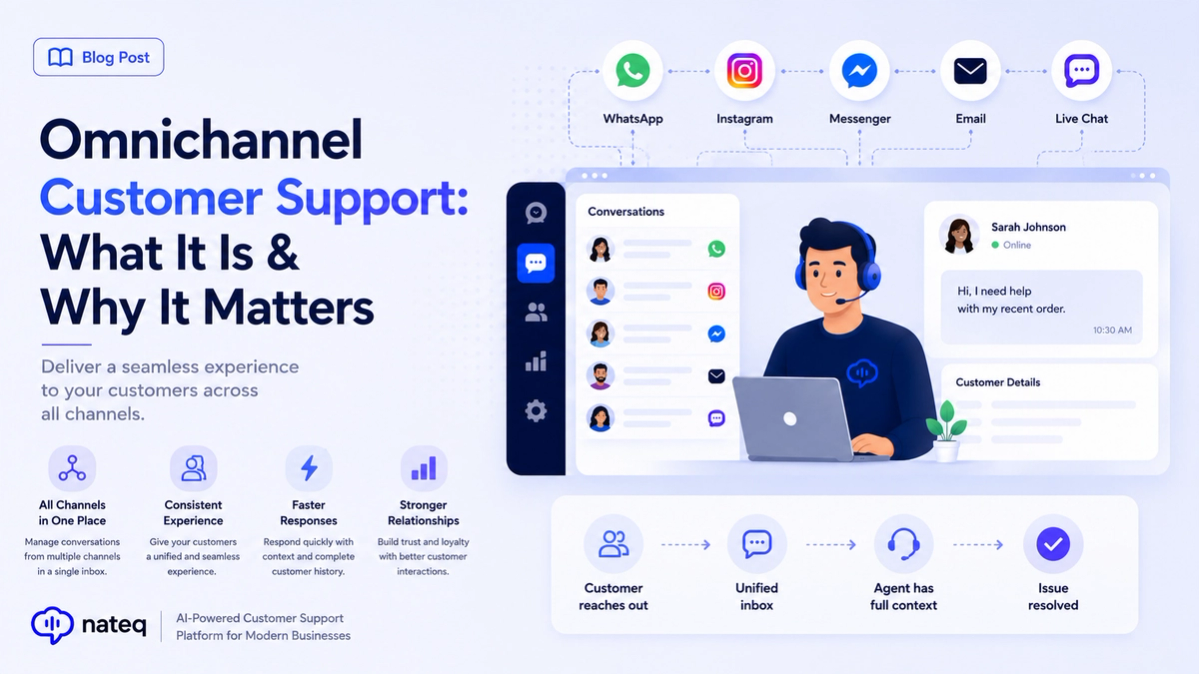
Omnichannel customer support unifies every channel into one connected experience. Learn what it means, how it differs from multichannel, and how to deliver it.
2 min readBring every conversation into one intelligent platform. Try it free for 14 days — no card required.