Research
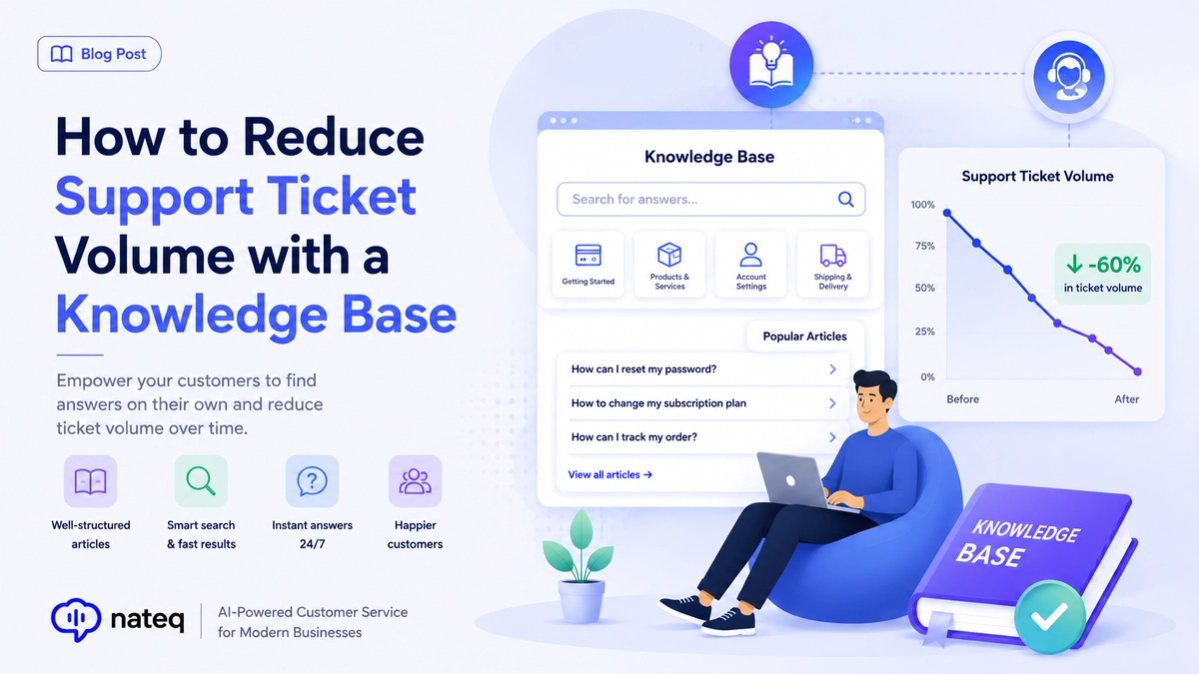
How to Reduce Support Ticket Volume with a Knowledge Base
A great knowledge base deflects repetitive tickets and helps customers help themselves. Here’s how to build one that actually lowers ticket volume.
2 min readTurn messages from any channel into structured tickets that are prioritized by urgency and routed to the right team, so nothing gets dropped and every customer request is accounted for.
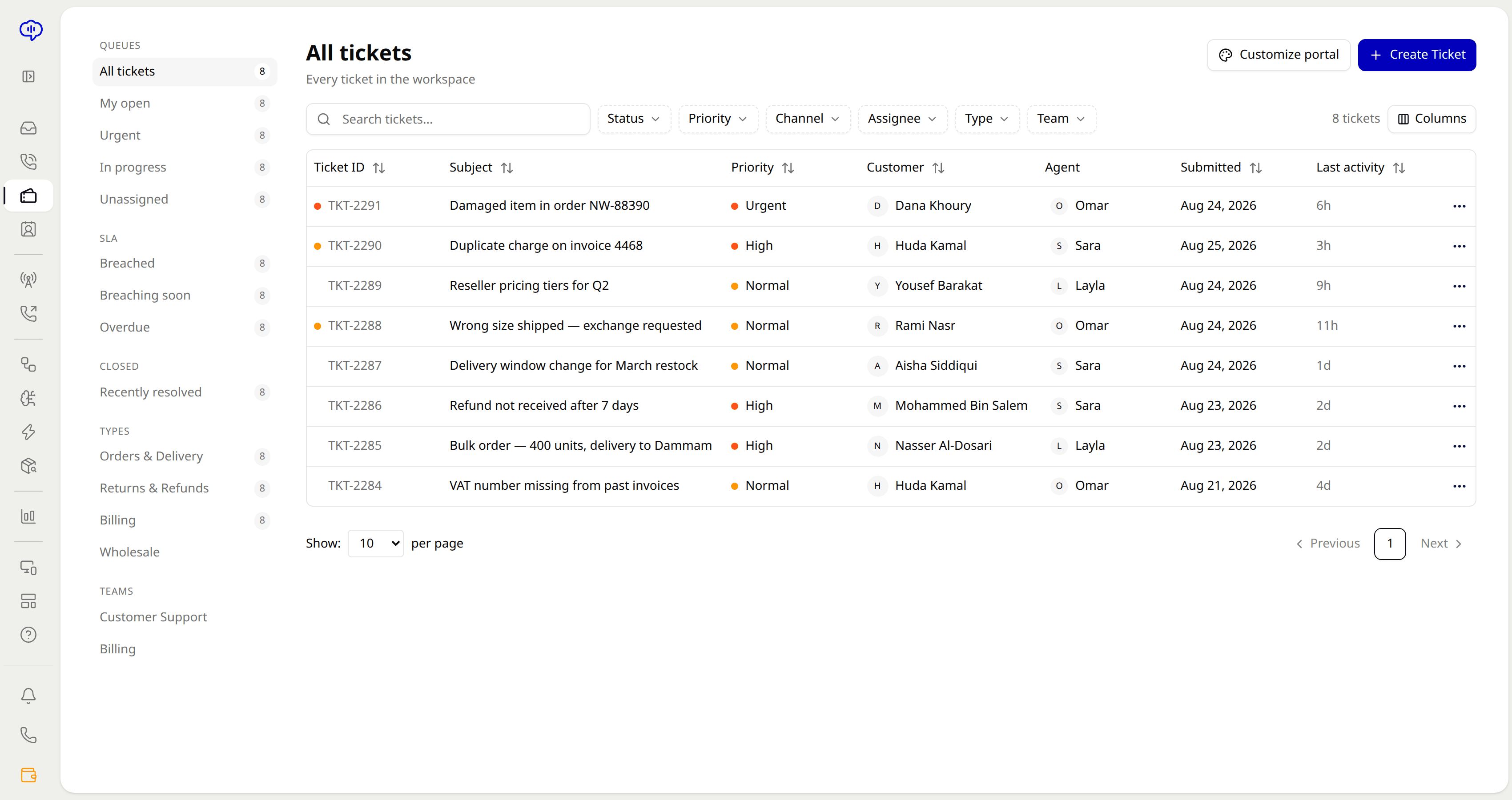
Chat, email, calls, Facebook, and Instagram messages become structured tickets automatically, no manual entry.
Tickets are prioritized by content and SLA so the most urgent issues rise to the top of the queue.
Shape tickets around your workflow with custom fields and tags that keep everything findable.
See when teammates are viewing the same ticket so two agents never reply to one customer at once.
Tickets land with the team best equipped to solve them, based on topic, language, and workload.
Every request, note, and status change lives on one timeline your whole team can trust.
A message on any channel becomes a ticket automatically with the customer's full history attached.
Nateq scores urgency and sends the ticket to the right agent or team.
Follow status, owner, and SLA in one view until the ticket is resolved.
Messages from chat, email, calls, Facebook, and Instagram are turned into structured tickets automatically, with no manual data entry.
Priority is based on the ticket's content and your SLA rules, so urgent issues automatically move to the top.
Collision detection shows when teammates are viewing the same ticket, preventing duplicate or conflicting replies.
Yes. Custom fields and tags let you structure tickets around how your team actually works.
A great knowledge base deflects repetitive tickets and helps customers help themselves. Here’s how to build one that actually lowers ticket volume.
2 min read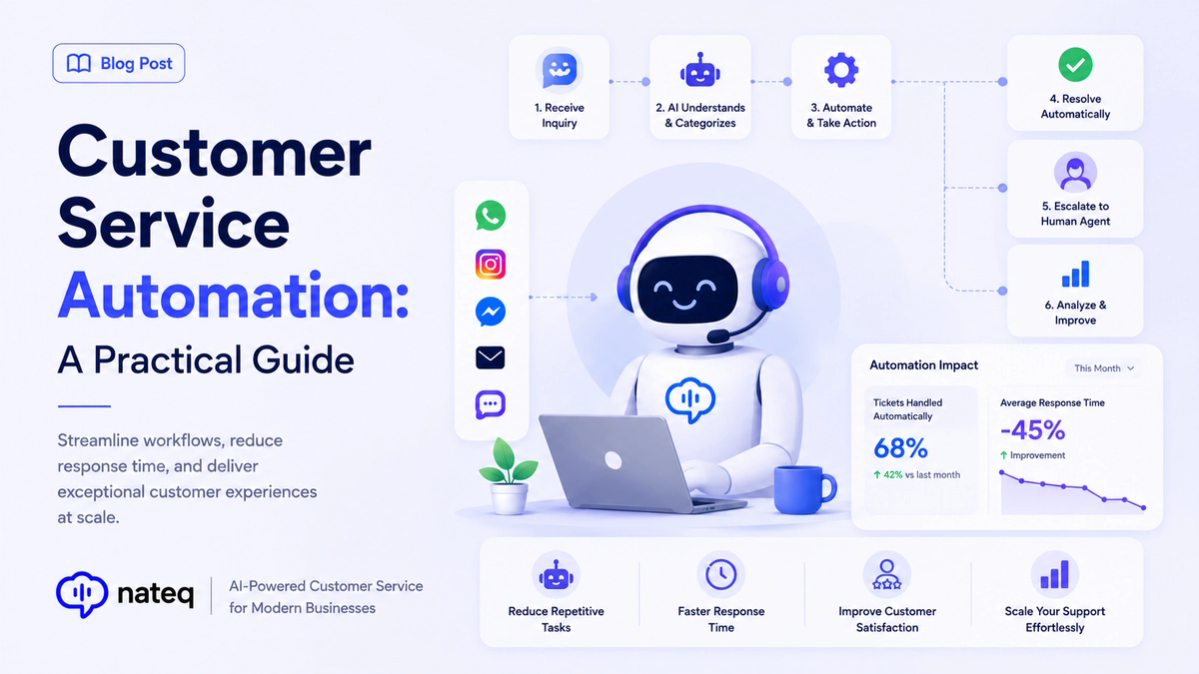
Customer service automation handles repetitive work so agents focus on people. Learn what to automate, what to keep human, and how to start.
2 min readBring every conversation into one intelligent platform. Try it free for 14 days, no card required.