Guides
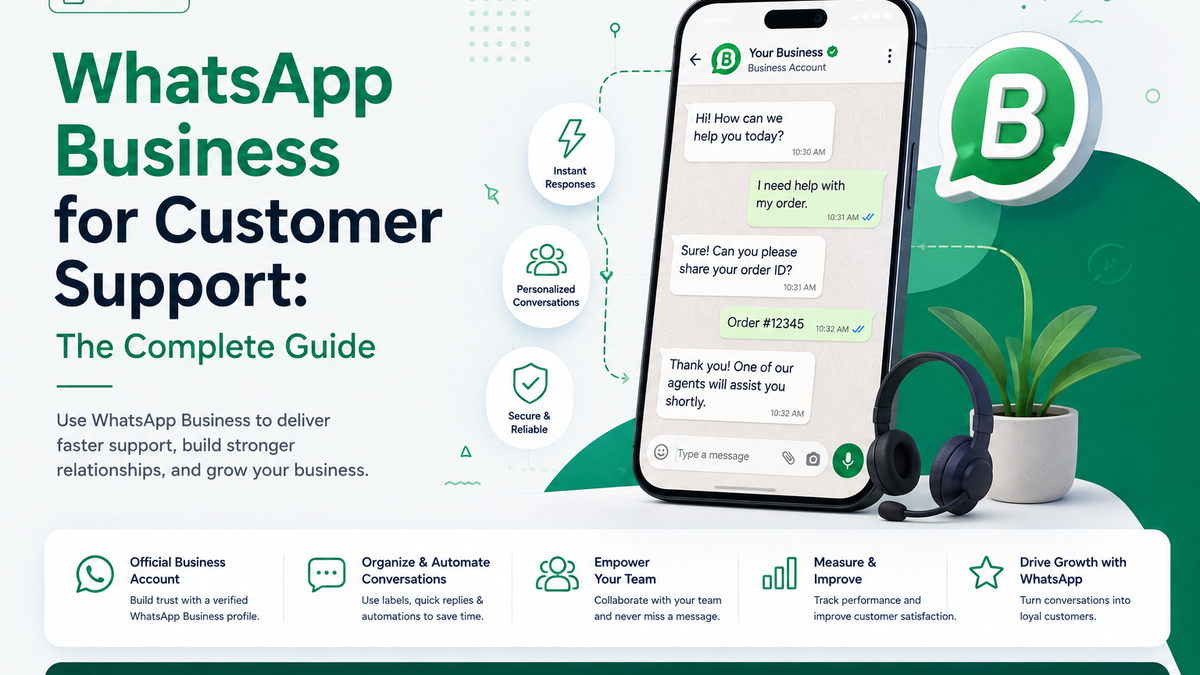
WhatsApp Business for Customer Support: The Complete Guide
Learn how to use WhatsApp Business for customer support — from setup and automation to managing every chat in one shared team inbox.
2 min readProspective students ask the same questions about courses, fees, schedules and certificates, mostly on WhatsApp and mostly in the evening. Nateq's AI agent answers them in Gulf Arabic or English from your own course information, and sends the serious applicants to your admissions team.
Nateq's customer service platform helps academies, institutes and training centres answer enrolment questions on WhatsApp, Instagram, website chat, email and phone from one inbox. The AI agent answers from your course pages, fee lists and FAQs in Gulf Arabic or English, asks the qualifying questions you set, and passes ready applicants to admissions with the full conversation.
Last updated:
“كم سعر الدورة؟”, “متى تبدأ الدفعة الجاية؟”, “الشهادة معتمدة؟” The agent answers from the course pages, fee lists and FAQs you add, in the customer's own register.
Write the questions admissions needs answered: the course, the start date, how the student will pay. The agent asks them, tags the conversation, and routing rules send it on.
When an applicant is ready, the conversation moves to a person with a summary, so nobody asks the student to repeat themselves.
Most enquiries arrive after work. The agent answers then, and anything that needs staff waits for the team's opening hours, with a ticket so nothing is lost.
Scheduled, recurring broadcasts send class, payment and document reminders on WhatsApp using your approved message templates.
WhatsApp, Instagram DMs, website chat, email and calls land in the same inbox, so a student who writes on Instagram and calls later has one record.
You decide what counts as ready. The agent asks the questions in the order you set and tags each conversation with the answers. Routing rules then act on those tags and on the channel, the language a customer writes in, and keywords in the message. A rule can send every applicant who names a course and a start date to admissions, and leave general questions with the agent.
A rule can also add a tag or raise the priority of a conversation, so a complaint about a payment reaches a person before a question about parking. With HubSpot or Salesforce connected, the applicant's contact and deal details appear beside the conversation, and the support activity is written back to the record.
The knowledge base takes four kinds of source: a web page address, an uploaded document, a Notion page, and question-and-answer pairs you type yourself. Course pages, fee lists and the refund policy usually belong in the first two. Keep one source per topic, and update the fee list there when prices change, so the agent and your staff read the same figure.
When a question is not covered by that content, the agent says it does not know and offers a person. It does not guess a fee or a start date. Review the first conversations after you connect the content, because they show which questions your pages do not answer yet.
Yes. It replies in the language and dialect each person writes in, including messages that mix Arabic and English, which is common among students. Your course content can be in either language, and the agent answers from it in the language the student used.
The agent answers it. Business hours govern when a person is expected to reply, not whether the agent answers. If the student then asks for admissions after hours, they are told a person replies when the team opens, and a ticket is created so the follow-up has an owner in the morning.
The question about times and location is answered from the course page at ten at night. Nobody on the team needed to be awake, and the parent has the answer before deciding.
The agent collects the course, the start date and the payment question, tags the thread, and sends it to admissions with the whole history. The applicant does not repeat any of it.
If your content states the accreditation, the agent quotes it. If it does not, the agent says so and offers a person, so no one is told something you have not written down.
A recurring broadcast sends the reminder through an approved WhatsApp template to the students in that cohort, on the days you set, without anyone sending it by hand.
If you set up a booking type for trial classes or campus visits, the agent offers the open times in the chat, and the booking goes onto the host's calendar.
An illustrative conversation written to show how it works, not a real customer's.
All live in the Nateq integrations directory today. Anything else connects through the REST API and webhooks.
The usual setup: one person answers the enrolment calls and the shared WhatsApp Business app, and everything else waits for the desk to open.
| What matters | Nateq | A receptionist and a WhatsApp Business phone |
|---|---|---|
| Evening and weekend questions | The agent answers from your course content at any hour. | Messages wait until the desk opens, and calls go to voicemail. |
| Qualifying applicants | Your questions are asked in order, and the answers are tagged on the conversation. | Depends on each person's notes, often kept in a separate sheet. |
| Handover to admissions | The thread moves with its history and a summary. | Details are copied out of the chat, and the applicant repeats them. |
| Languages | Gulf Arabic, English and mixed messages in one inbox. | Limited to the languages the people on the desk speak. |
| Class reminders | Scheduled, recurring broadcasts with approved templates. | Sent by hand, or forgotten on a busy day. |
| One record per student | One thread per student, across WhatsApp, Instagram, chat and calls. | Split between a phone, a chat app and a notebook. |
Link your WhatsApp Business number, Instagram and website chat. Email and calls can follow.
Add course pages, fee lists, schedules and FAQs from a web address, a document, Notion or typed Q&A. The agent answers only from what you add.
Write the qualifying questions and the routing rules, and review conversations as they come in.
Yes, from the fee information you add. It does not invent prices. If a fee is not in your content, the agent says it does not have that figure and offers to pass the question to your team. Fee lists you add can be updated at any time, and the agent uses the version you saved last.
Through routing rules you set, for example when they name a course and a start date, or when they ask for a person. The conversation arrives with its full history and any tags the agent added, so the staff member starts from where the chat ended.
Yes. Scheduled broadcasts can recur on the days you set and send an approved WhatsApp template to a list of students. Meta bills those messages to your own WhatsApp Business Account at its published rates, and Nateq adds no markup.
Yes. Each branch can be its own team with its own routing and business hours. Routing rules can send a conversation to a branch by the keywords in it, and managers see volume and response times for each team. Each branch team keeps its own hours, so a conversation waits for the team it was sent to.
The agent says it does not have the answer and offers a person. The question goes to the team with the conversation attached. Those unanswered questions also show up in the knowledge gap reports, so you can add the missing answer to your content.
Yes, if you set up a booking type for that visit. The agent offers the open times as a card in the chat, the applicant picks one, and the booking is written to the host's calendar. Google Calendar and Outlook Calendar are supported.
Customer data is hosted in the EU, in Frankfurt, with further regions available on request. A data processing agreement is available on every paid plan. Nateq does not yet have a SOC 2 report, so check that against your own requirements before you go live.
Learn how to use WhatsApp Business for customer support — from setup and automation to managing every chat in one shared team inbox.
2 min read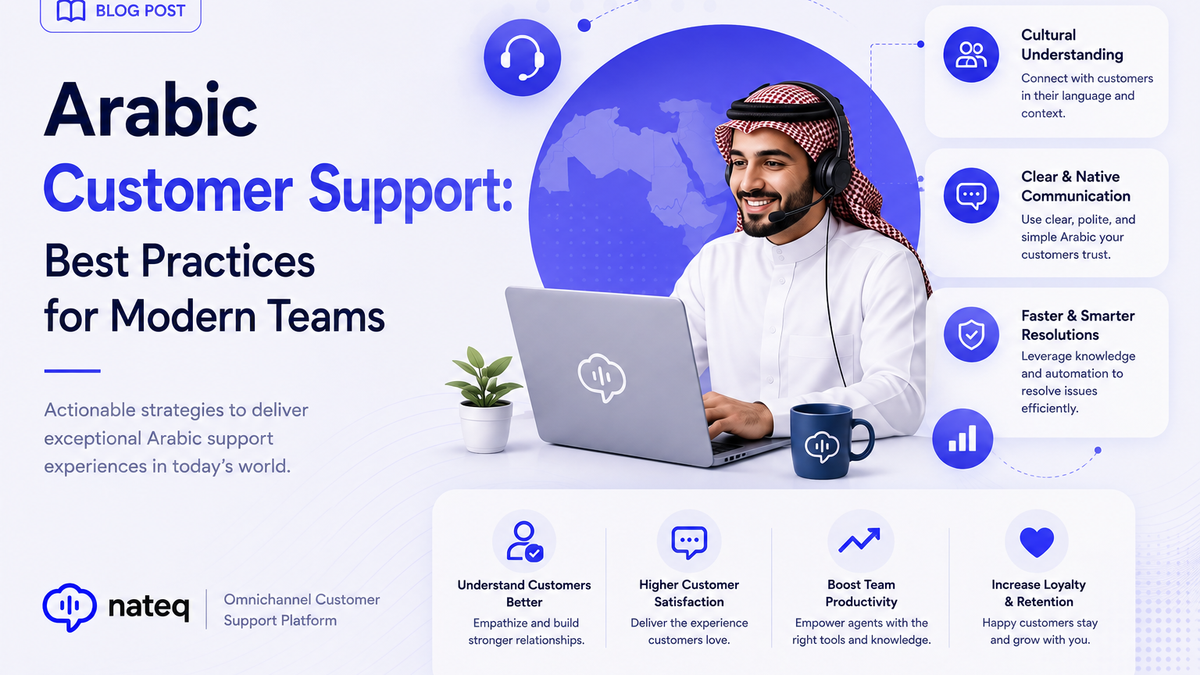
Serving customers in Arabic well means more than translation. Learn the best practices for fast, natural, right-to-left Arabic customer support.
2 min read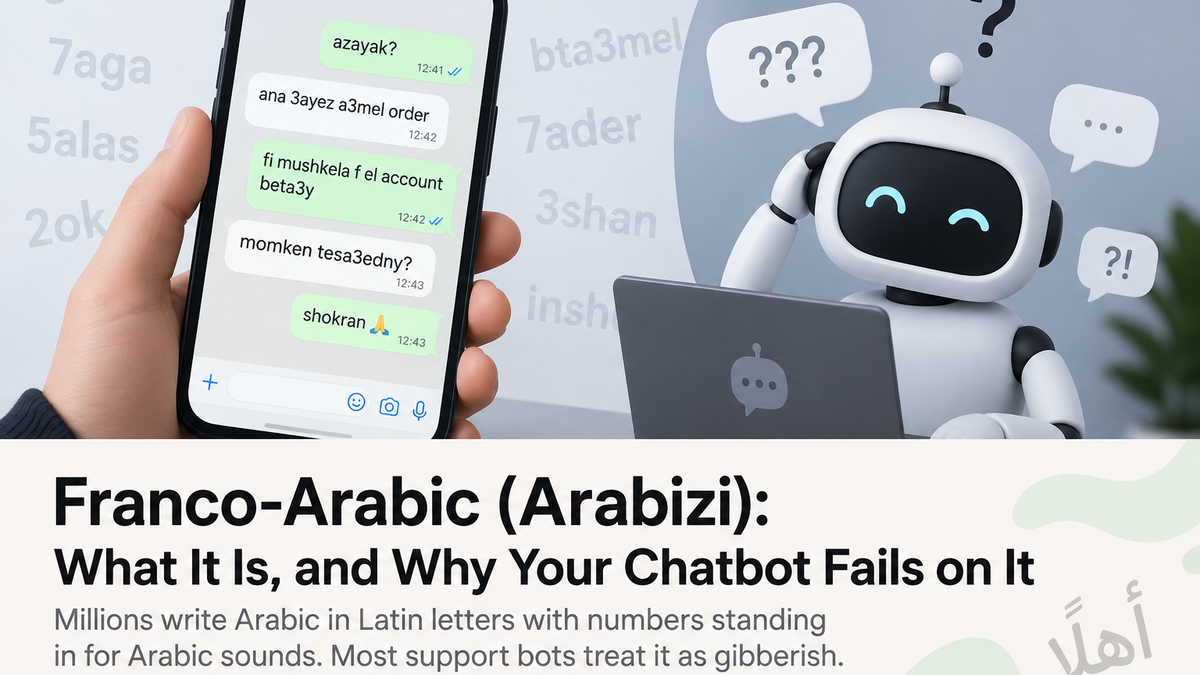
Millions write Arabic in Latin letters with numbers standing in for Arabic sounds. Most support bots treat it as gibberish. Here is how it works and how to handle it.
4 min readBring every conversation into one intelligent platform. Try it free for 14 days — no card required.