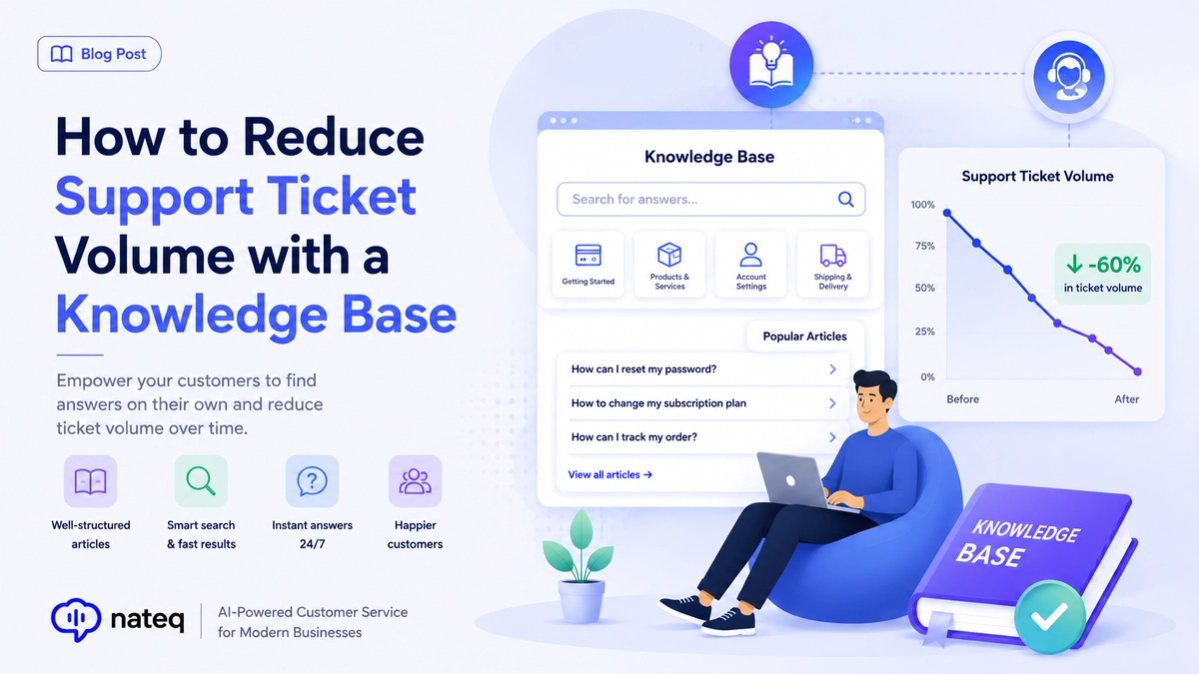
If your team answers the same questions over and over, a knowledge base is the highest-leverage fix. By publishing clear self-service answers — and letting AI surface them at the right moment — you deflect repetitive tickets and free agents for the work that truly needs them.
What is ticket deflection?
Ticket deflection is when a customer finds the answer themselves — through a help article or an AI reply — instead of opening a ticket. Every deflected ticket is faster for the customer and cheaper for your team.
Why a knowledge base lowers ticket volume
- Customers get instant answers, any time, without waiting for an agent.
- AI can answer from your articles automatically across chat, email, and WhatsApp.
- Agents reuse articles in replies instead of writing the same answer twice.
- You see which topics drive tickets and fix the root cause with better docs.
How to build a knowledge base that works
- Start with your most common tickets — write those articles first.
- Use clear titles that match how customers phrase questions.
- Organize articles into intuitive categories customers can browse.
- Keep articles short, structured, and up to date as your product changes.
Measure and improve deflection
Track article views, ratings, and how many tickets each one prevents. Use search analytics to spot questions with no good answer, then write the missing articles. A knowledge base is never “done” — it improves every month.
Turn your knowledge base into an AI agent
With Nateq, your knowledge base doesn’t just sit on a help page — it powers an AI agent that answers customers instantly across every channel and escalates when needed. Explore the knowledge base features, learn about customer service automation, or book a demo.