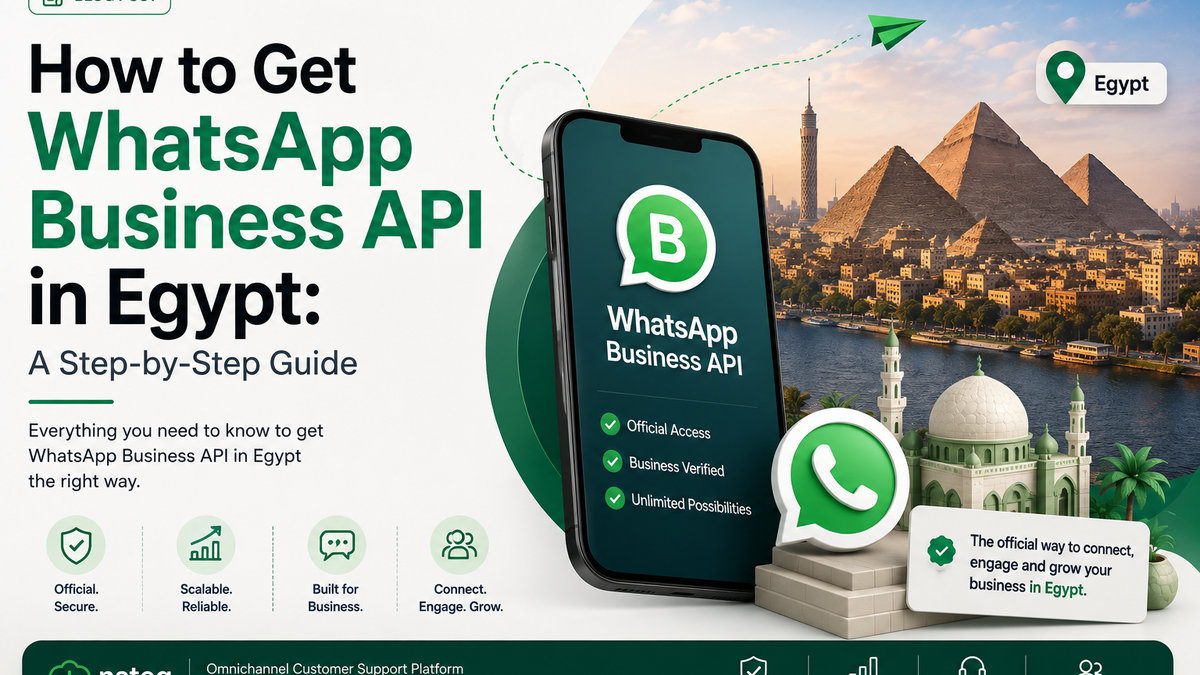
How to Get WhatsApp Business API in Egypt: A Step-by-Step Guide
Most guides to WhatsApp Business API describe a generic global process and skip the parts that actually stall Egyptian applications. This one covers the specifics: which documents Meta accepts, what phone number you can use, and the three rejection reasons that account for most failed attempts.
Before anything else: check you need the API
If you're a small team handling a manageable volume of chats from one device, the free WhatsApp Business app is probably enough. The API is worth the setup effort when you need multiple agents in the same number, automated replies, integration with your store or CRM, or message volumes the app can't handle.
The API also has no interface of its own. It is a set of endpoints — you connect it to a platform that provides the inbox.
Step 1 — Create a Meta Business account
Go to business.facebook.com and create a Business Portfolio if you don't have one. You'll need a Facebook Page for your business; a personal profile won't work.
Fill in the business details exactly as they appear on your commercial register. Mismatches between what you type here and what your documents say are the most common cause of verification failure later.
Step 2 — Get business verified
This is the gate most applications stall at. Meta needs to confirm your business is real and that you represent it.
For an Egyptian company, prepare:
- Commercial register (السجل التجاري) — current, not expired
- Tax card (البطاقة الضريبية)
- A business phone number that appears on a public source Meta can cross-check
- A business website with your legal name and contact details visible
- A utility bill or bank statement showing the business name and address, if Meta asks for a secondary document
Two practical notes. Documents in Arabic are accepted — you do not need certified translations. And the business name on your Meta account must match the name on the commercial register character for character, including the legal form (ش.م.م and so on).
Verification typically takes a few business days. If it's rejected, you can resubmit, but repeated failed attempts slow things down — get the documents right the first time.
Step 3 — Choose a BSP
You cannot access the API directly. You go through a Business Solution Provider, or a platform that wraps one.
What to compare:
- Markup on Meta's rates. Some providers pass Meta's per-message rate through at cost; others add a margin. Ask for the number in writing.
- Whether you get an inbox. A raw API connection is useless without a platform to work in. Some BSPs sell API access only and assume you're building your own interface.
- Arabic handling. Not just RTL rendering — whether search, automated replies, and any AI layer actually understand Egyptian Arabic rather than only Modern Standard.
- Template management. Approval friction is real, and a provider with built-in template tooling reduces it.
Step 4 — Pick and register a phone number
The rules that trip people up:
- The number must not currently be registered on WhatsApp — not on the consumer app, not on WhatsApp Business. If it is, you must delete that account first and wait before reusing the number.
- It must be able to receive a call or SMS for the one-time verification code.
- Landlines work, as long as they can receive a voice call.
- Once a number is on the API, you cannot use it in the regular WhatsApp app. This is one-way in practice.
A common mistake is registering the number the sales team has been using on their phones for two years. Migrating it means losing that chat history. Decide deliberately whether to migrate the known number or start clean with a new one.
Step 5 — Get your display name approved
Your display name is what customers see. Meta reviews it against its display name guidelines.
Approved easily: your actual brand name, matching your website and documents.
Commonly rejected: generic words ("Support", "Delivery"), names unrelated to your verified business, names containing promotional text or URLs, and names that differ substantially from your registered business name.
If your trade name differs from your legal name, make sure the trade name appears clearly on your website before you apply.
Step 6 — Submit your first templates
Any message you send to a customer outside the open service window must be a pre-approved template. Start with the handful you actually need — order confirmation, shipping update, and an OTP if you use one — rather than submitting twenty at once.
Template rejection is common, usually because promotional wording sits in a template filed as utility, or the category is wrong. The category also sets the price, so read the WhatsApp API pricing guide before you submit.
The three rejections that catch most Egyptian applicants
Name mismatch. The Meta Business account name, the website, and the commercial register must tell the same story. Any discrepancy — even a missing legal-form suffix — triggers a manual review that usually ends in rejection.
A website that doesn't establish the business. A landing page with no legal name, no address, and no contact details reads as unverifiable. Add a proper contact page before applying.
A number already on WhatsApp. Delete the existing account, wait, then register. Attempting registration on an active number simply fails.
How long the whole thing takes
With documents ready and a BSP chosen, most Egyptian businesses are live within a week — usually two to four days for business verification, then under a day for number registration and display name, then template approvals arriving in hours.
Without documents ready, it takes as long as it takes to get the commercial register renewed.